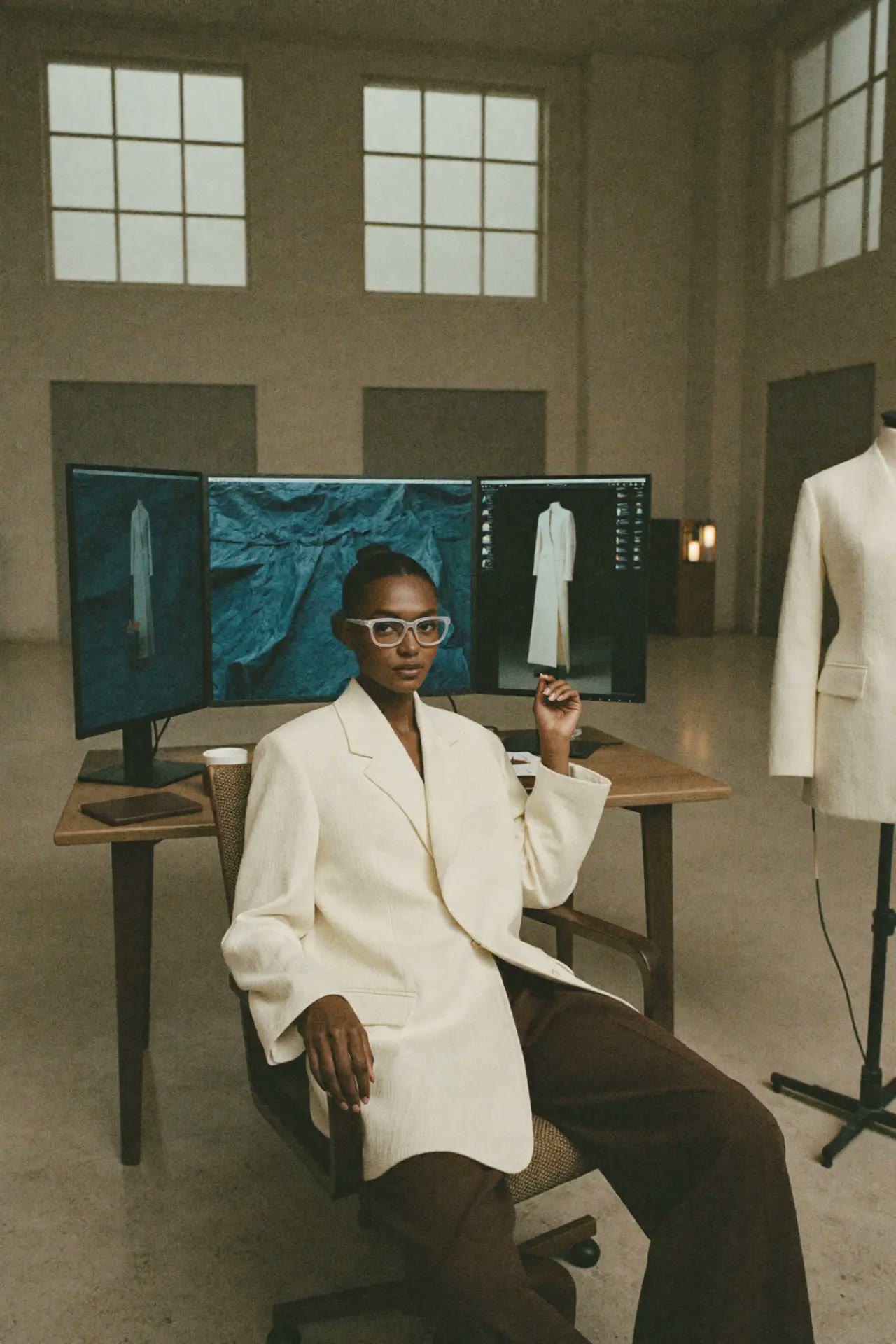
Eyes In
The camera pushes all the way into the subject's eye, often transitioning to a new world.
Narrative function
Going inside someone's mind.
How it works
The camera pushes all the way into the subject's eye, often transitioning to a new world.
In AI video, the model only knows what you tell it. Name the move in plain camera language and describe what the frame should contain at the start and at the end.
When to use it
Beauty and eyewear films, mascara and eyeshadow launches.
Compared with similar shots
Mouth In: The camera pushes into the subject's mouth as a surreal transition.
Prompt it
Works in Higgsfield, Kling, Runway and Luma. Swap the subject for your own.
What usually goes wrong
Iris detail is invented. That is part of the effect.
Questions
What is a Eyes In in film?
The camera pushes all the way into the subject's eye, often transitioning to a new world. Going inside someone's mind.
Eyes In vs Mouth In: what is the difference?
Eyes In: The camera pushes all the way into the subject's eye, often transitioning to a new world. Mouth In: The camera pushes into the subject's mouth as a surreal transition.
When should I use a Eyes In?
Beauty and eyewear films, mascara and eyeshadow launches.
How do I prompt a Eyes In in AI video?
Describe the move in plain camera language, for example: "camera pushes into the subject's eye, extreme close-up into the iris". Then describe the subject and setting. Iris detail is invented. That is part of the effect.
Generate this eyes in from your own photo
Upload one image, we apply the move. Pay as you go, no subscription.
Your next step