Resources
Learn the tool, then use it.
Original guides, prompt packs and comparisons for the AI tools creatives actually use. Free, no sign-up.
Start here
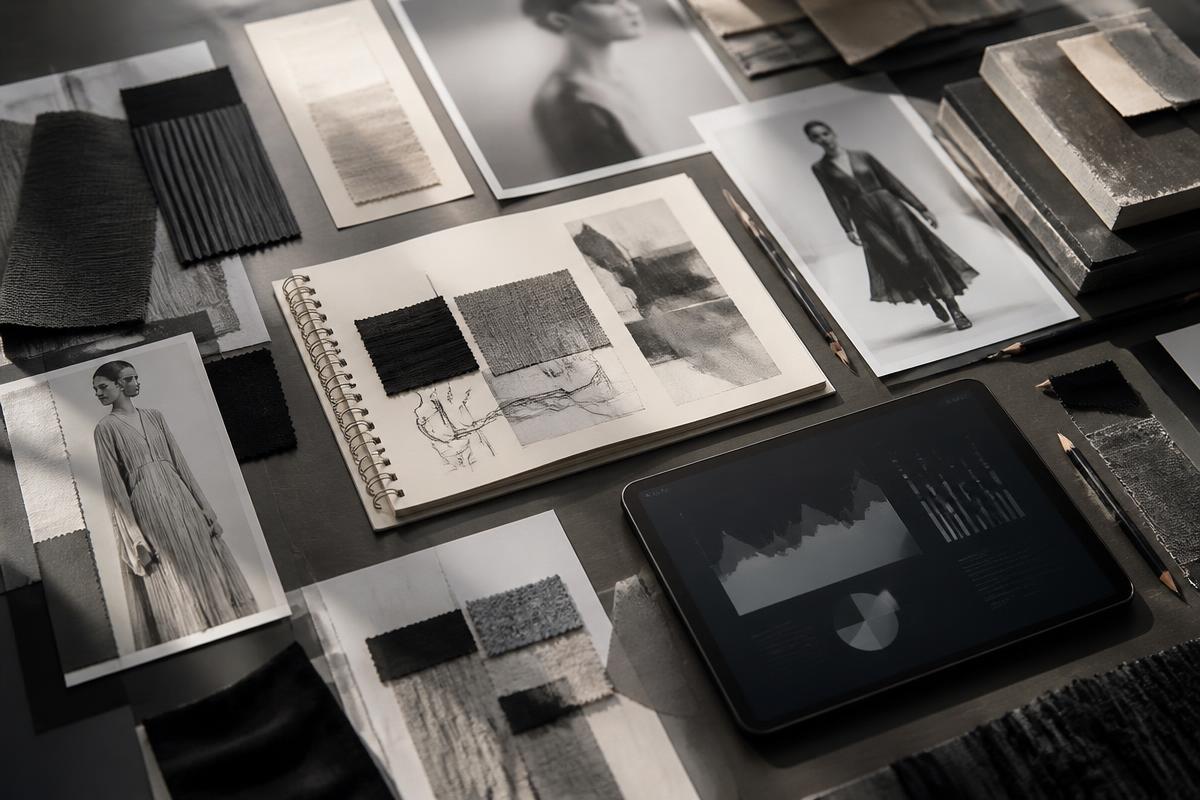 Claude
Claude for creative work
How to use Claude as a thinking partner for concepts, briefs, copy and long research documents.
Read the resource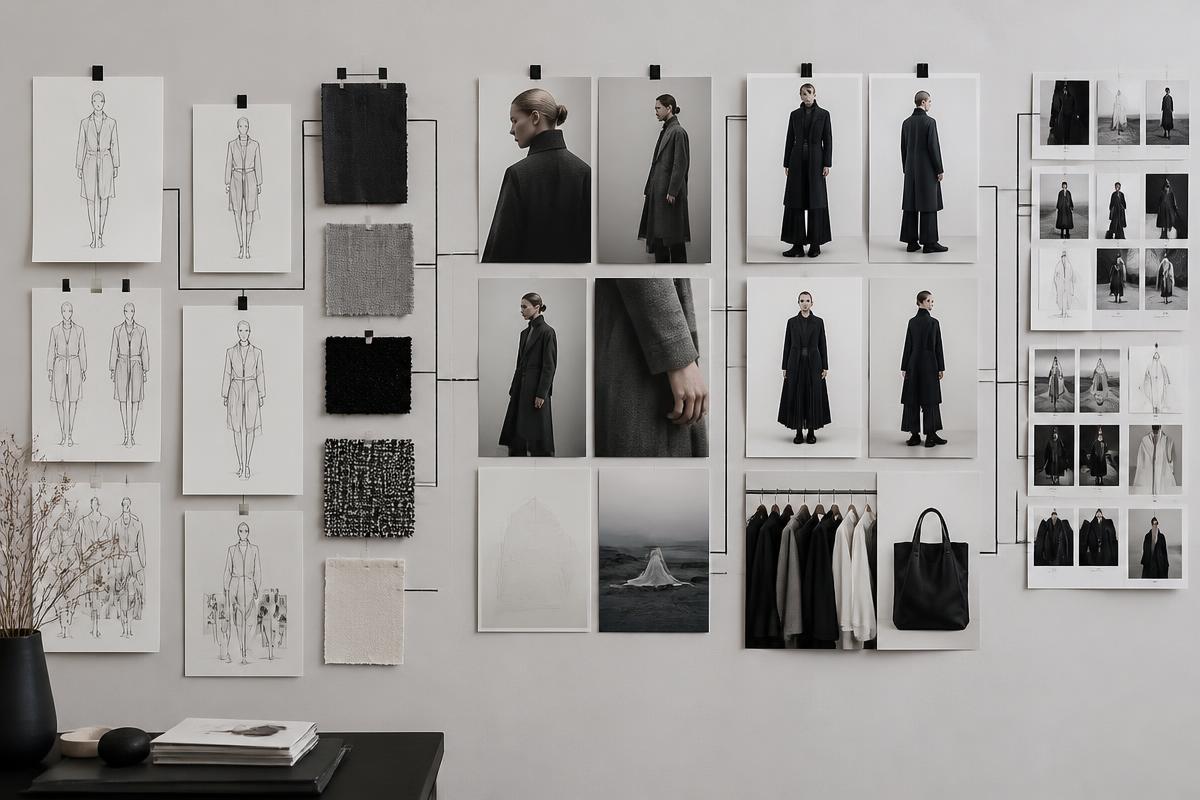 ChatGPT
ChatGPT for creative work
A practical setup for ideas, copy, research and images in one place — plus what to stop asking it for.
Read the resource Google Gemini
Google Gemini for visuals and research
Where Gemini wins: image editing, product placement and research that touches your own documents.
Read the resource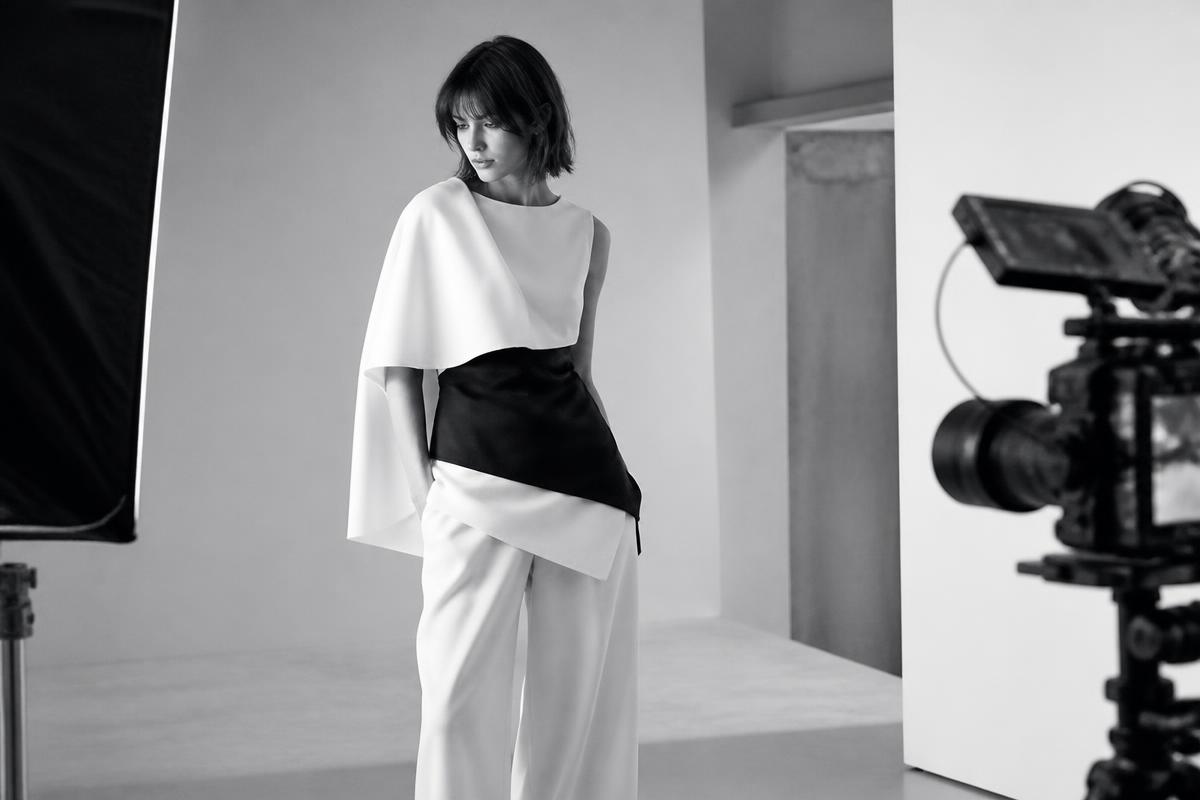 Midjourney
Midjourney for image direction
Build a house style, keep it across a whole set, and write prompts that behave like art direction.
Read the resource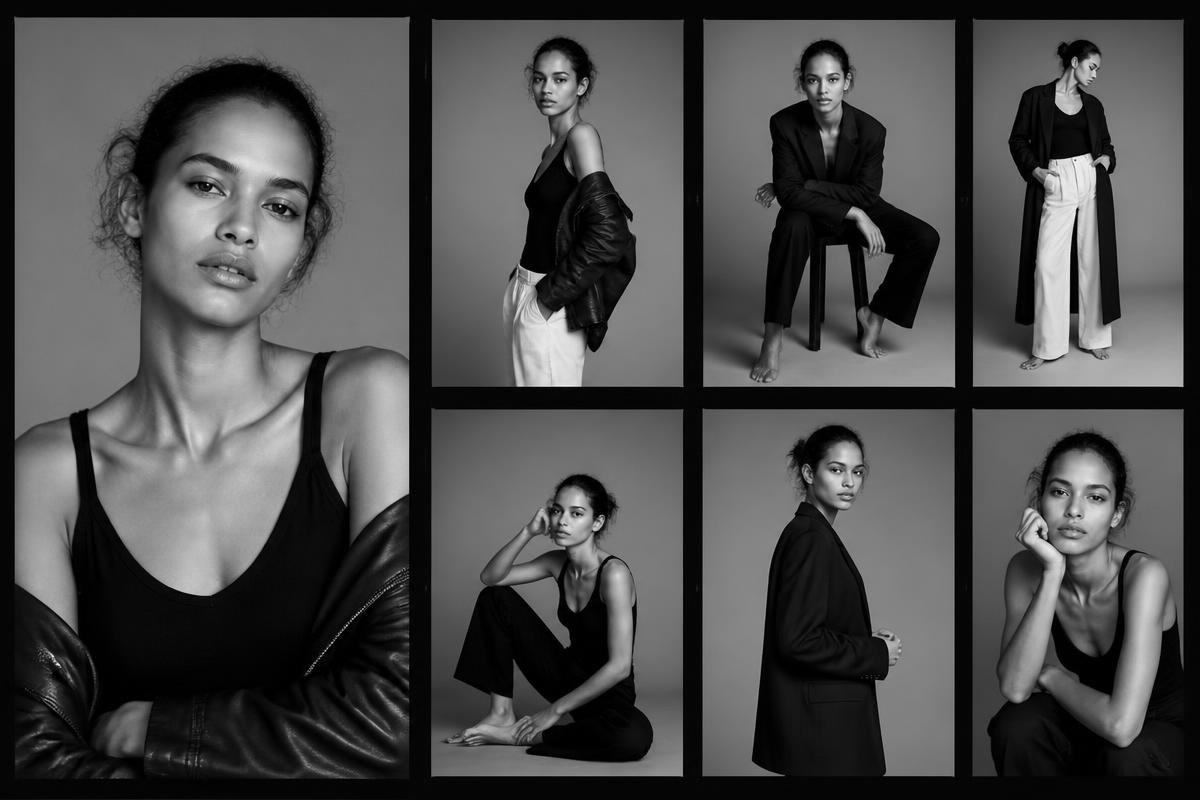 Multiple tools
Which AI tool for which creative job
A plain comparison: what to open for concepts, images, motion, research, copy and admin.
Read the resourceAll resources
ClaudeClaude for creative work
How to use Claude as a thinking partner for concepts, briefs, copy and long research documents.
Read the resourceChatGPTChatGPT for creative work
A practical setup for ideas, copy, research and images in one place — plus what to stop asking it for.
Read the resourceGoogle GeminiGoogle Gemini for visuals and research
Where Gemini wins: image editing, product placement and research that touches your own documents.
Read the resourceMidjourneyMidjourney for image direction
Build a house style, keep it across a whole set, and write prompts that behave like art direction.
Read the resourceHiggsfieldHiggsfield for motion
Turn still images into short, controlled motion for social and campaigns without a film crew.
Read the resource Lovable
Lovable for building your own creative tools
Build the small internal tools your studio actually needs — brief generators, client portals, calculators.
Read the resourceGoogle WorkspaceGoogle Workspace for creative teams
Use AI inside the documents, sheets and inboxes your studio already runs on.
Read the resourceMultiple toolsWhich AI tool for which creative job
A plain comparison: what to open for concepts, images, motion, research, copy and admin.
Read the resourceGet free workshops, tools and prompts
Occasional updates from Fashion AI School: free live workshops, new AI tools and new prompts. No spam, unsubscribe any time.

Go deeper with a paid workshop
Everything here is free. When you want the full method, up-to-date prompts and lifetime access, these are the paid programs from Fashion AI School.
Recorded workshop · €49
AI Literacy for creatives
Understand how AI actually works and build an 11-step working method across 16 tools — no technical background needed.
See the workshop →Fashion AI School
Recorded workshops & courses
Self-paced, step-by-step workshops with lifetime access, tested workflows and up-to-date prompt packs.
Browse all workshops →Practical PDF · from €3
Practical PDF Library
Short, up-to-date guides: prompt engineering, hyperrealistic prompting, cinematic images, model comparisons and tool tables.
Get the PDFs →