Pay as you go · No subscription
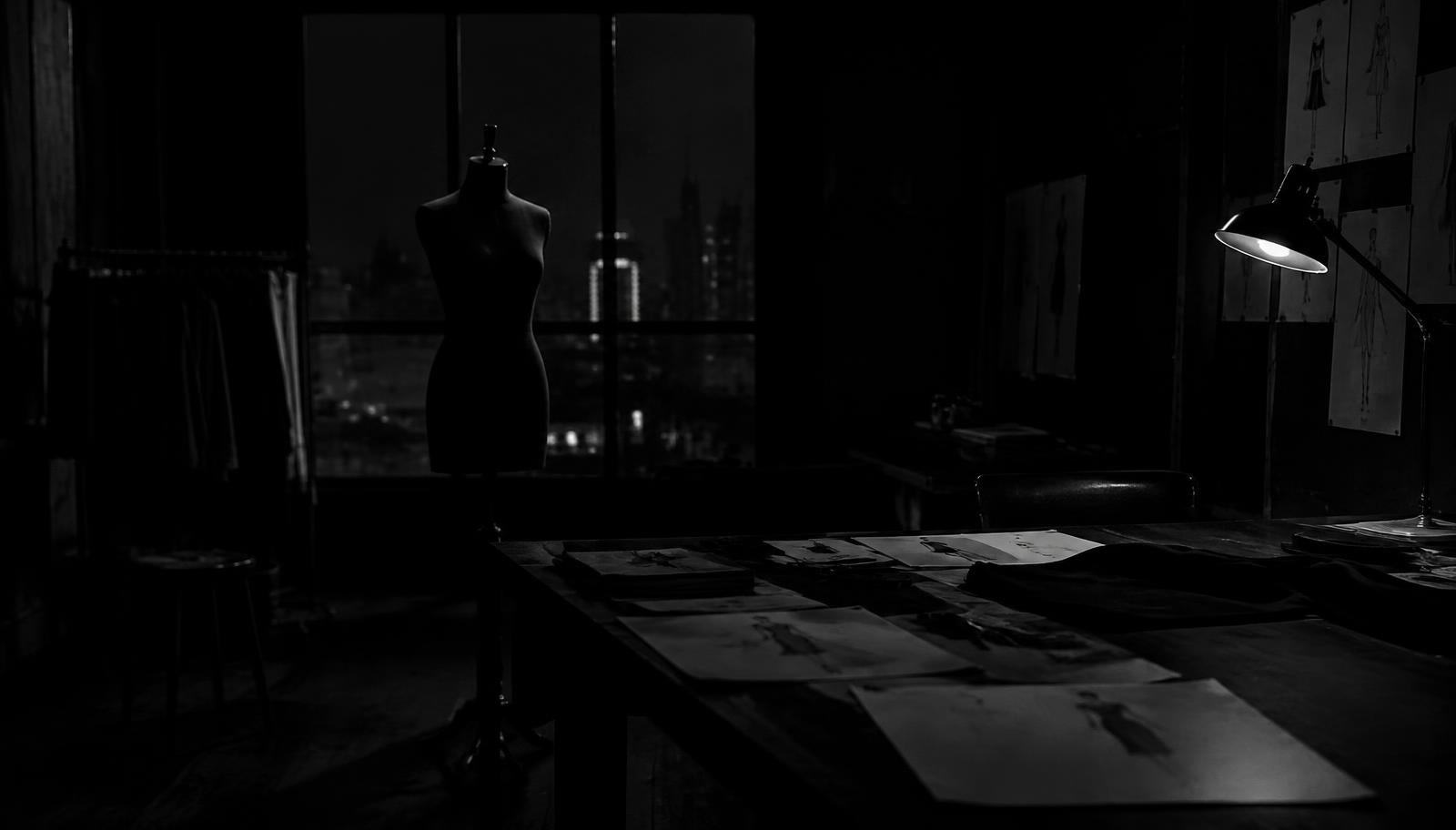
Creative Workspace
What do you want to make today?


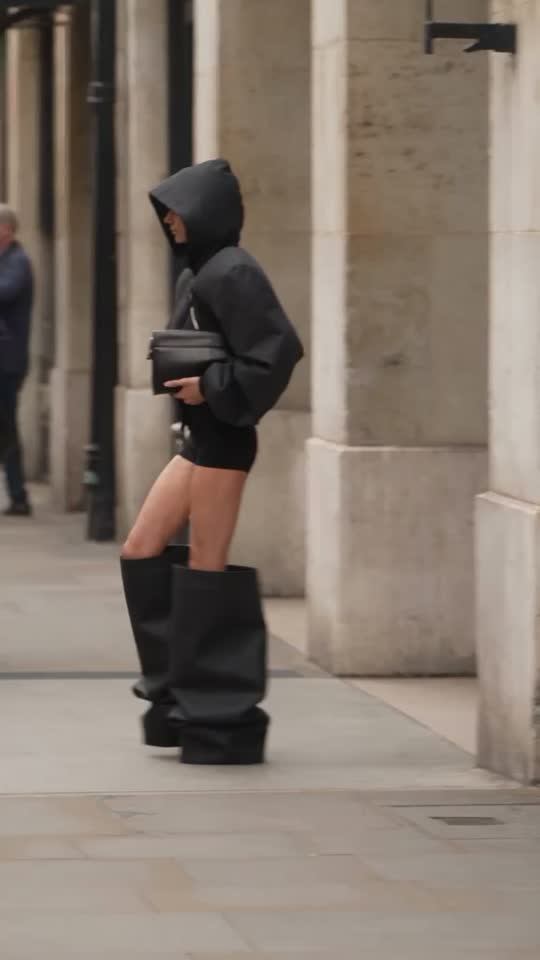
New · Fashion AI Studio Suite
From flat lay to viral campaign.
No photoshoot, no model booking. Upload your garment and choose — €0.20 per image, no subscription.
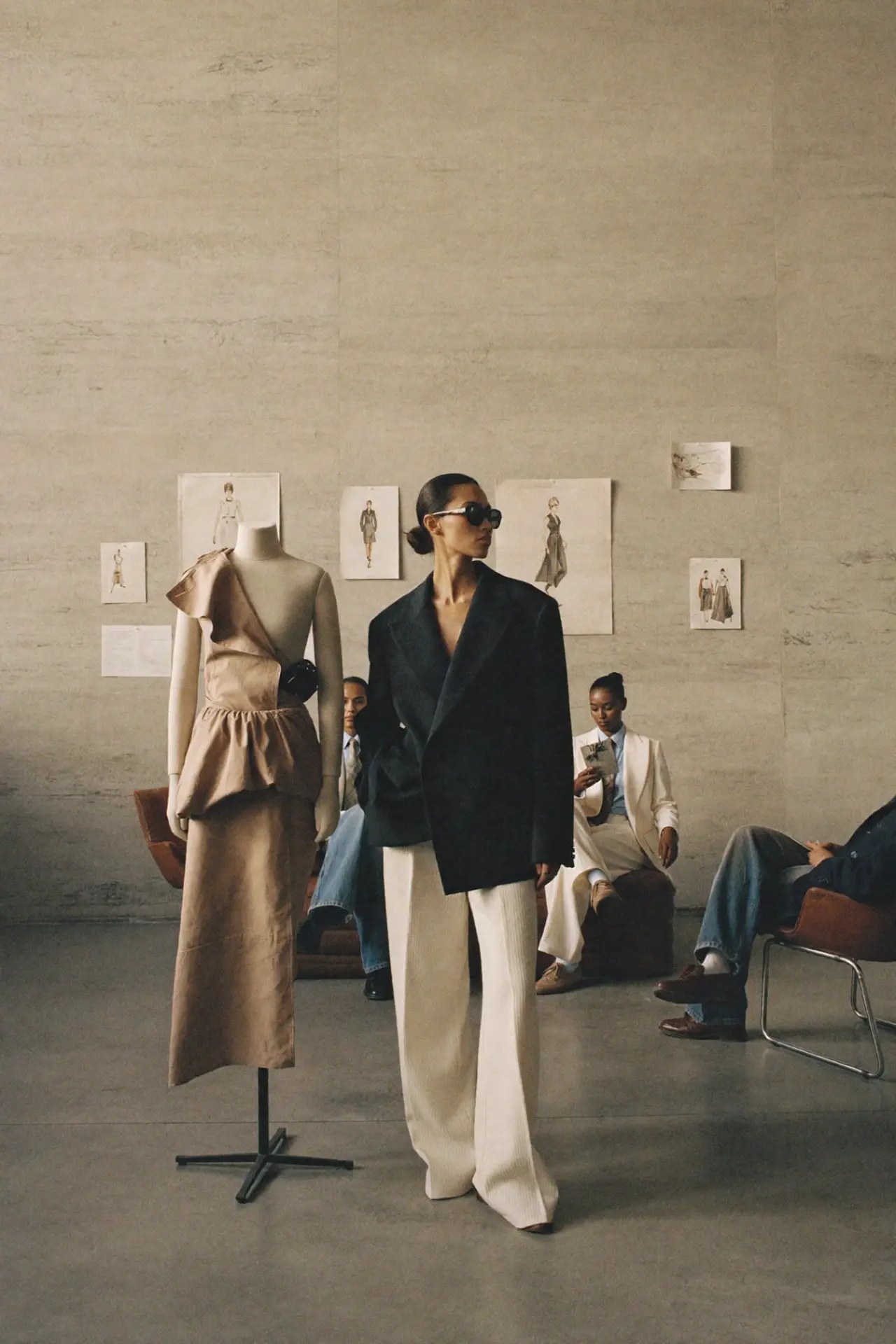
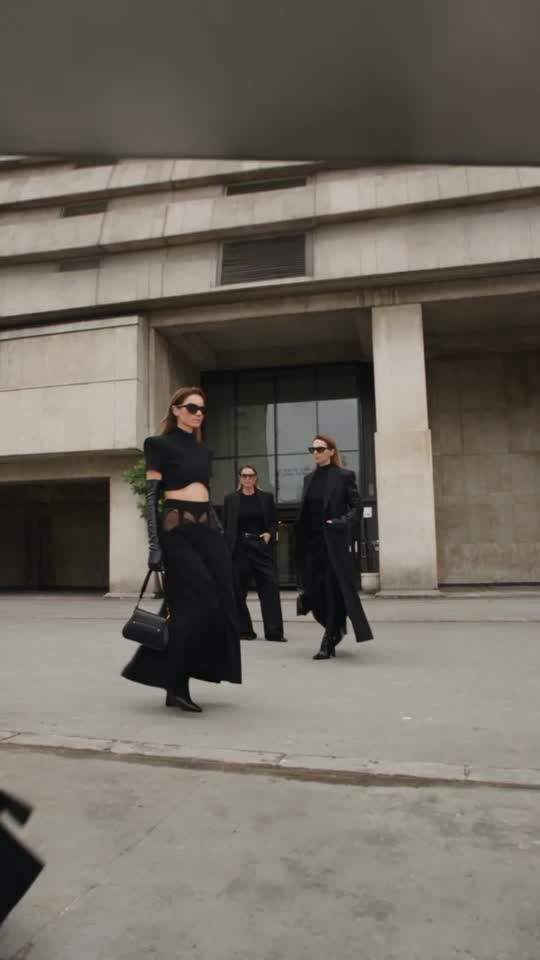
01 · Character models
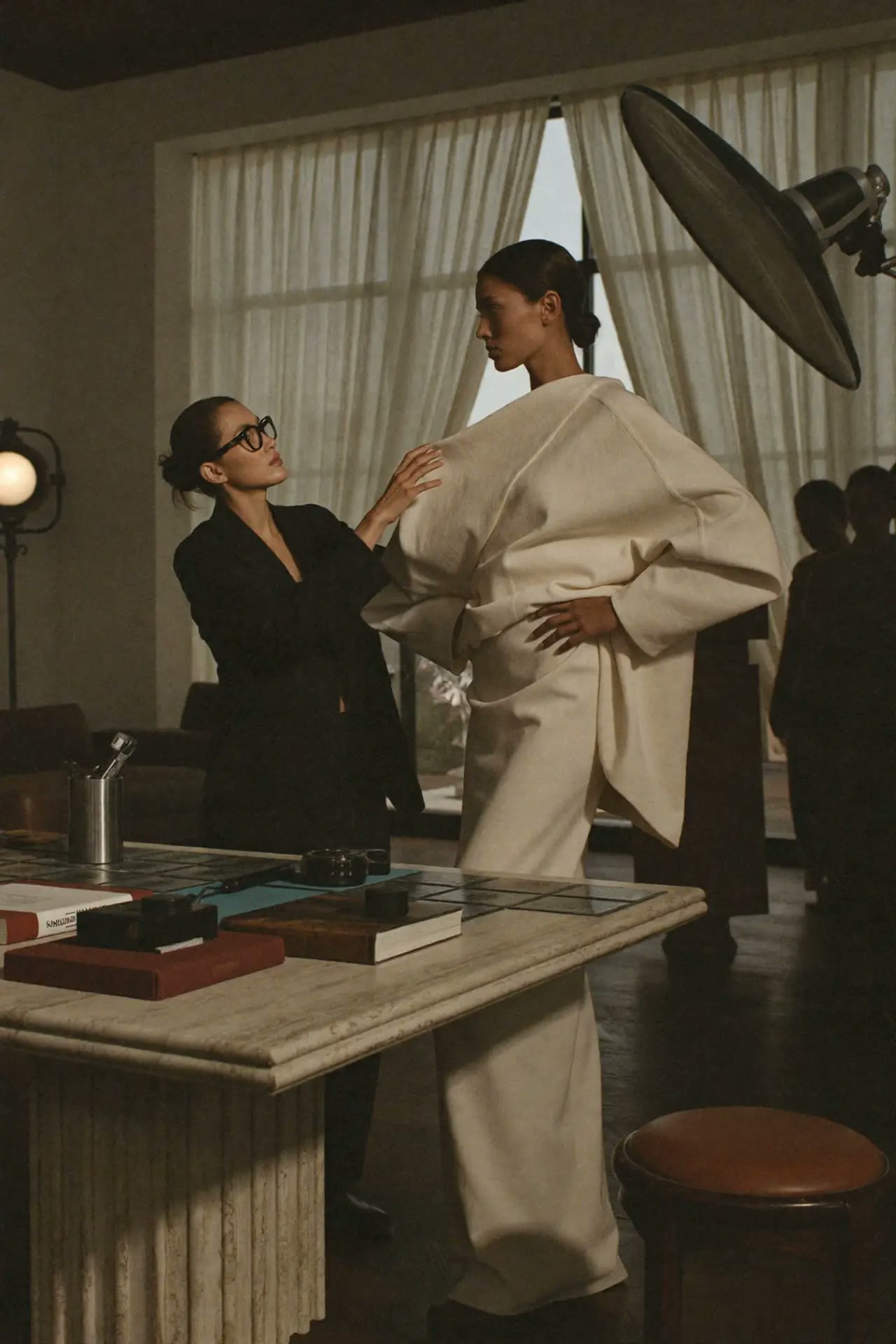
Same face. Every shot.
Upload one photo of your model and keep the same face across studio, street and evening looks.
- 1Upload a clear face photo
- 2Pick the shot you need
- 3Generate, then chain the next angle
02 · AI ambassador
Your own digital model, in motion.
Create a virtual ambassador once, save her, and put her into any video with real camera movement.
- 1Design or upload your ambassador
- 2Choose a motion or upload a clip
- 3Render and save to history
03 · Campaign producer
One product photo. A whole campaign.
Upload your product, pick a mood, and get four matching shots: hero, detail, lifestyle and a motion frame. €0.20 per shot, €0.80 for all four.
- 1Upload your product photo
- 2Pick the mood
- 3Get four campaign shots — animate any of them
04 · Garment to campaign
One product photo. A campaign video.
Turn a flat lay, hanger shot or bottle into a runway walk, a 360 spin or a luxury reveal.
- 1Upload your product photo
- 2Pick a ready template
- 3Get a video in minutes
05 · Brand looks
Lock your look. Reuse it for the next drop.
Stack real photography rules — lighting, lens, film stock — so every image feels shot by one photographer.
- 1Choose lighting and lens
- 2Add your product or model
- 3Reuse the same recipe for the next drop
06 · Cinematic camera
86 film camera moves from one still.
Dolly, orbit, crane, crash zoom. Direct your image like a real film set.
- 1Upload a still
- 2Pick a camera move
- 3Render the shot
07 · Moodboards
A full moodboard from one sentence.
Describe the collection, pick a look, and get four matching frames to share with your team.
- 1Describe the collection
- 2Pick a mood
- 3Get four frames
08 · Sketch to render
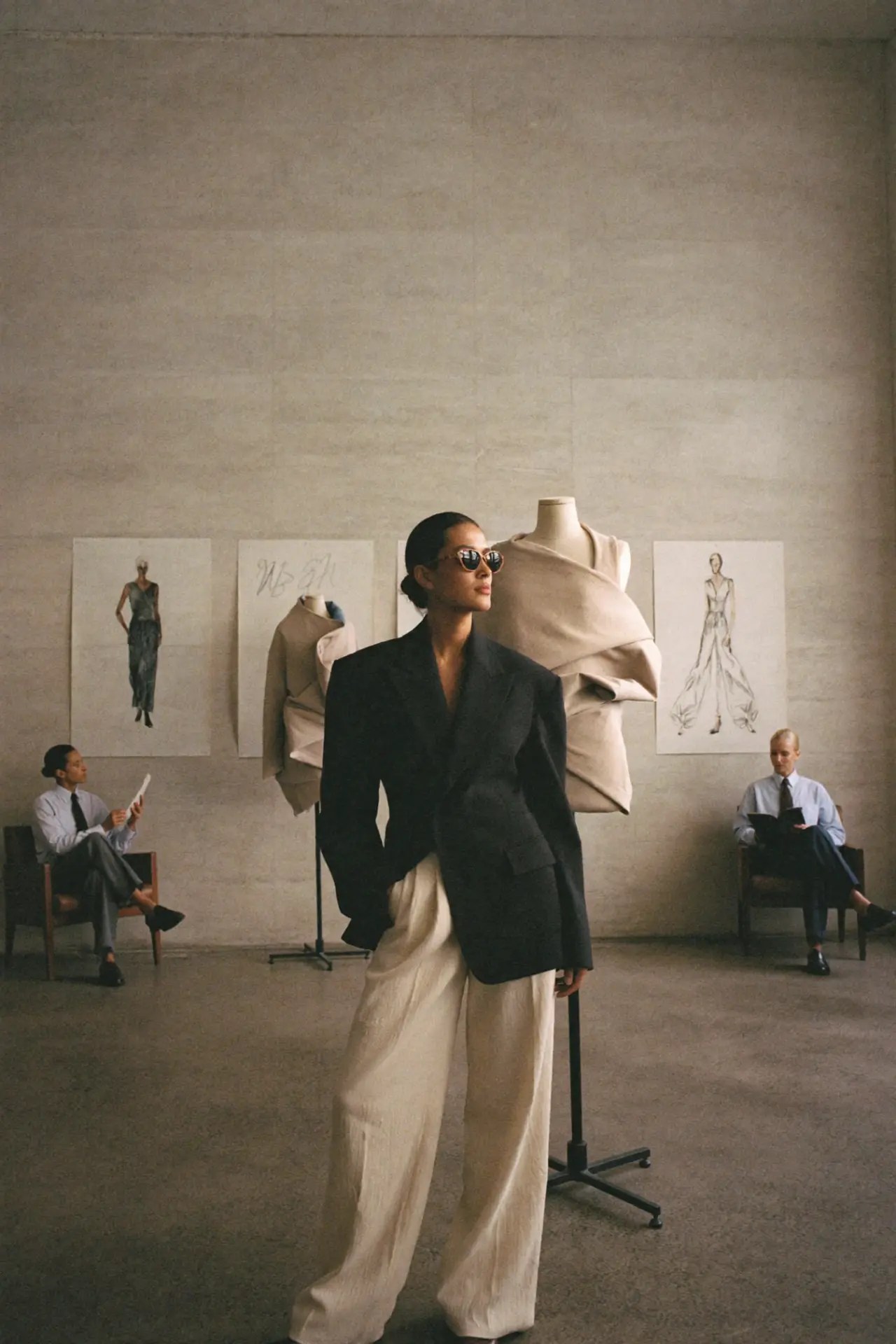
From pencil sketch to photo.
Upload a design sketch and see it rendered as a real garment — studio, runway or flat lay.
- 1Upload your sketch
- 2Choose a setting
- 3Render
09 · Describe & go
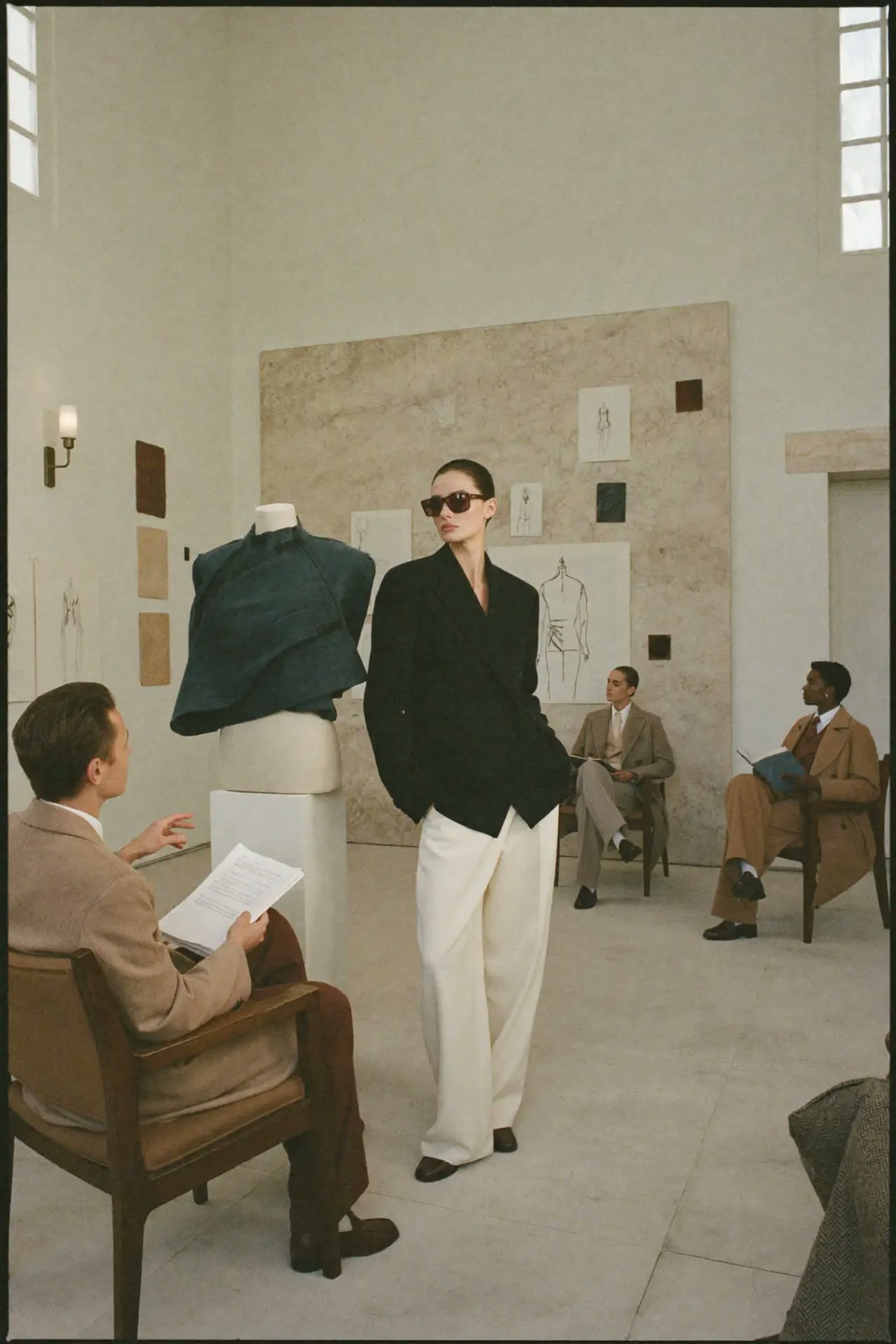
Just describe it. We write the brief.
Tell us the idea in plain words and get a professional, ready-to-use prompt for any tool.
- 1Describe your idea
- 2Pick the tool
- 3Copy and create
Every paid tool
All in one place.
Pricing
Pay as you go. That's it.
Top up from €5. Spend it on any tool. If a render fails, the cost comes back to your balance.
Typical AI tools
- Monthly subscription
- You pay even when you create nothing
- Plans and tiers to compare
- Cancel to stop the bills
Fashion AI School Lab
- No subscription, ever
- Top up from €5
- One balance for every tool
- Failed renders refunded