[ Recorded Workshop ]
How to properly use Claude Design for creatives
In just 2 hours, you'll learn a complete creative workflow to use Claude Design as your personal design studio.
- Instant access
- Free PDF materials
- Watch anytime, forever
- Create websites, landing pages and UI designs without relying on external designers or developers
- Design interactive HTML branded presentations & pitch decks fully aligned with your brand DNA
- Generate high-end social media posts & carousels at scale
- Create YouTube thumbnails and creative assets in minutes
- Build interactive tools and lightweight web apps independently
- Produce motion designs and animated visual content without additional software
- No design or technical background required
- As a bonus, FREE PDF files included
What you'll be able to create
You won't just copy-paste prompts. You'll build your own system:
01
Websites & landing pages
Responsive websites • Landing pages
02
Presentations
Investor pitch decks • Interactive presentations
03
Social content
Social media posts & carousels (Instagram, LinkedIn, etc.)
04
Motion & 3D
Motion graphics • Animated visual transitions • 3D integrated concepts
05
Tools & prototypes
Interactive tools • Lightweight app prototypes
06
Creative assets
YouTube thumbnails and much more (aligned with your brand DNA)... in minutes, not months.
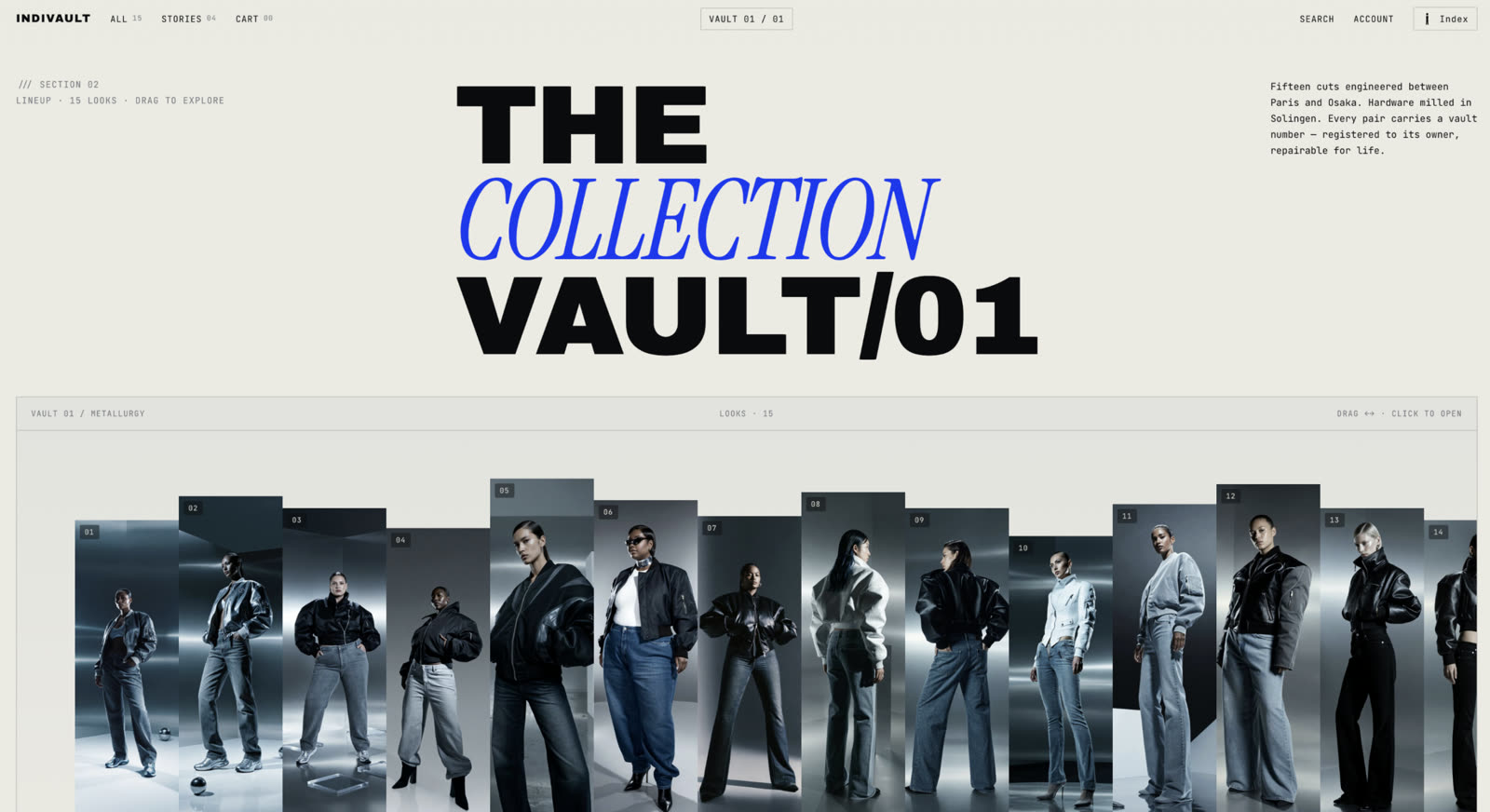
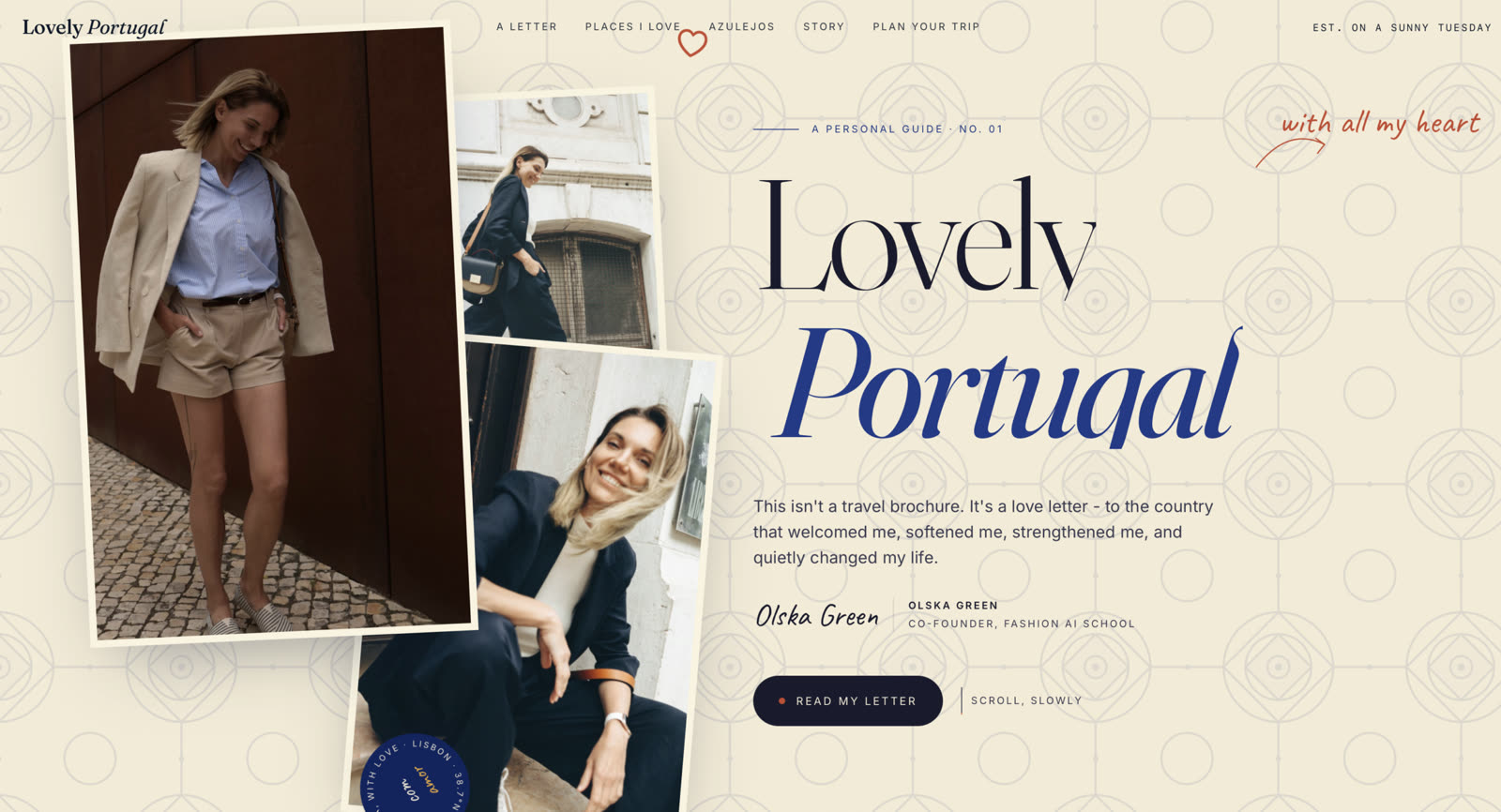
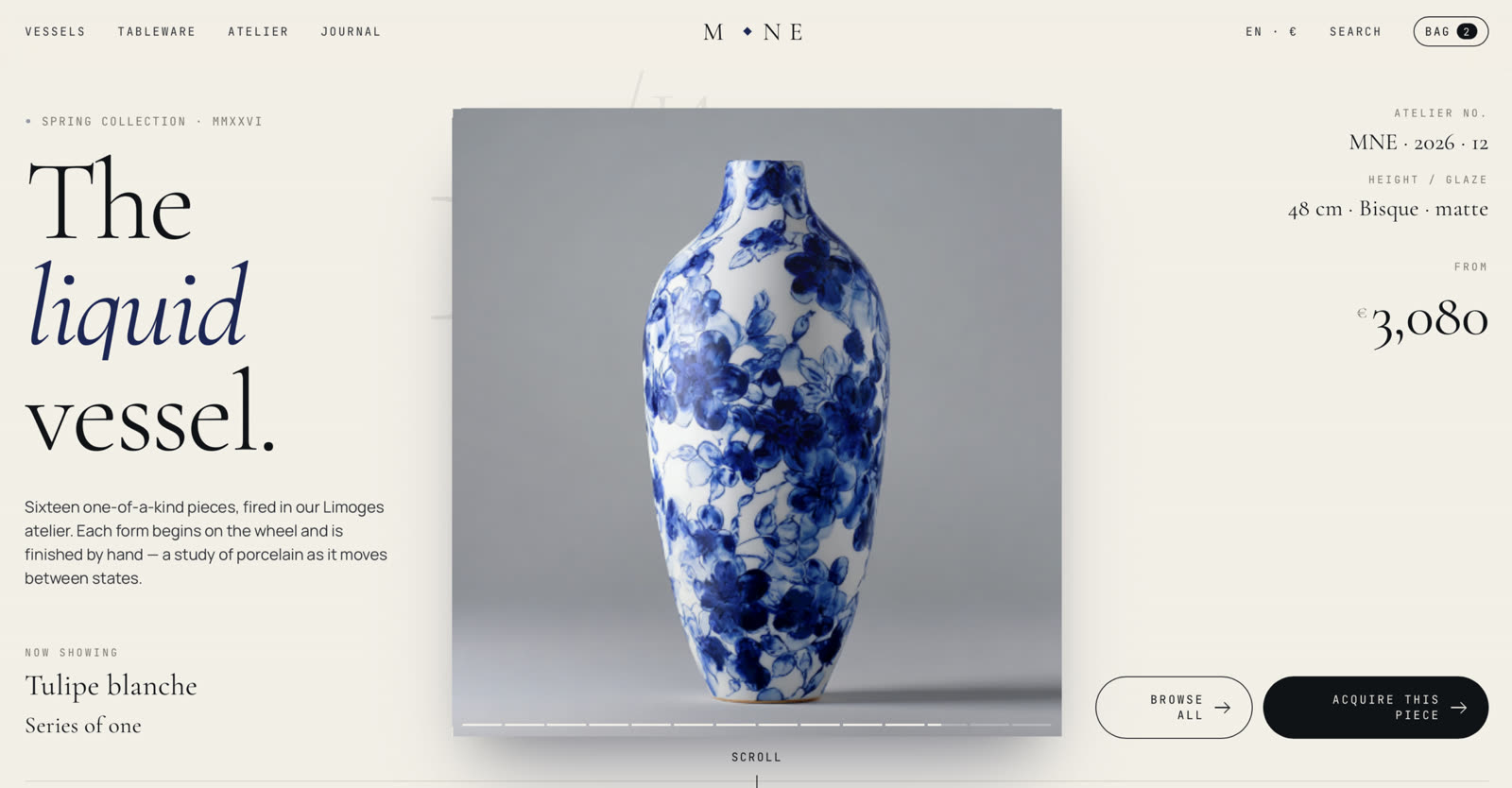
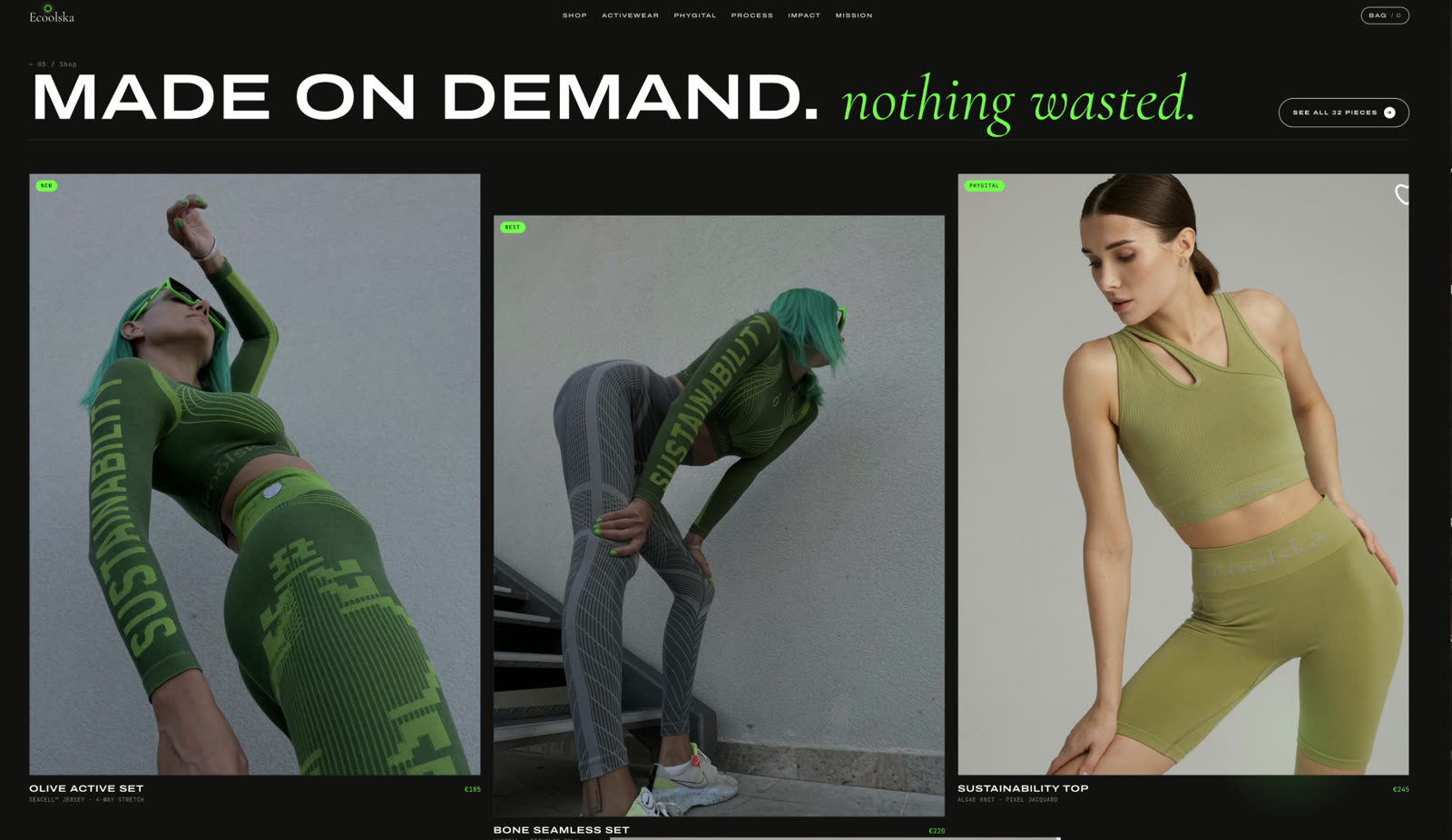
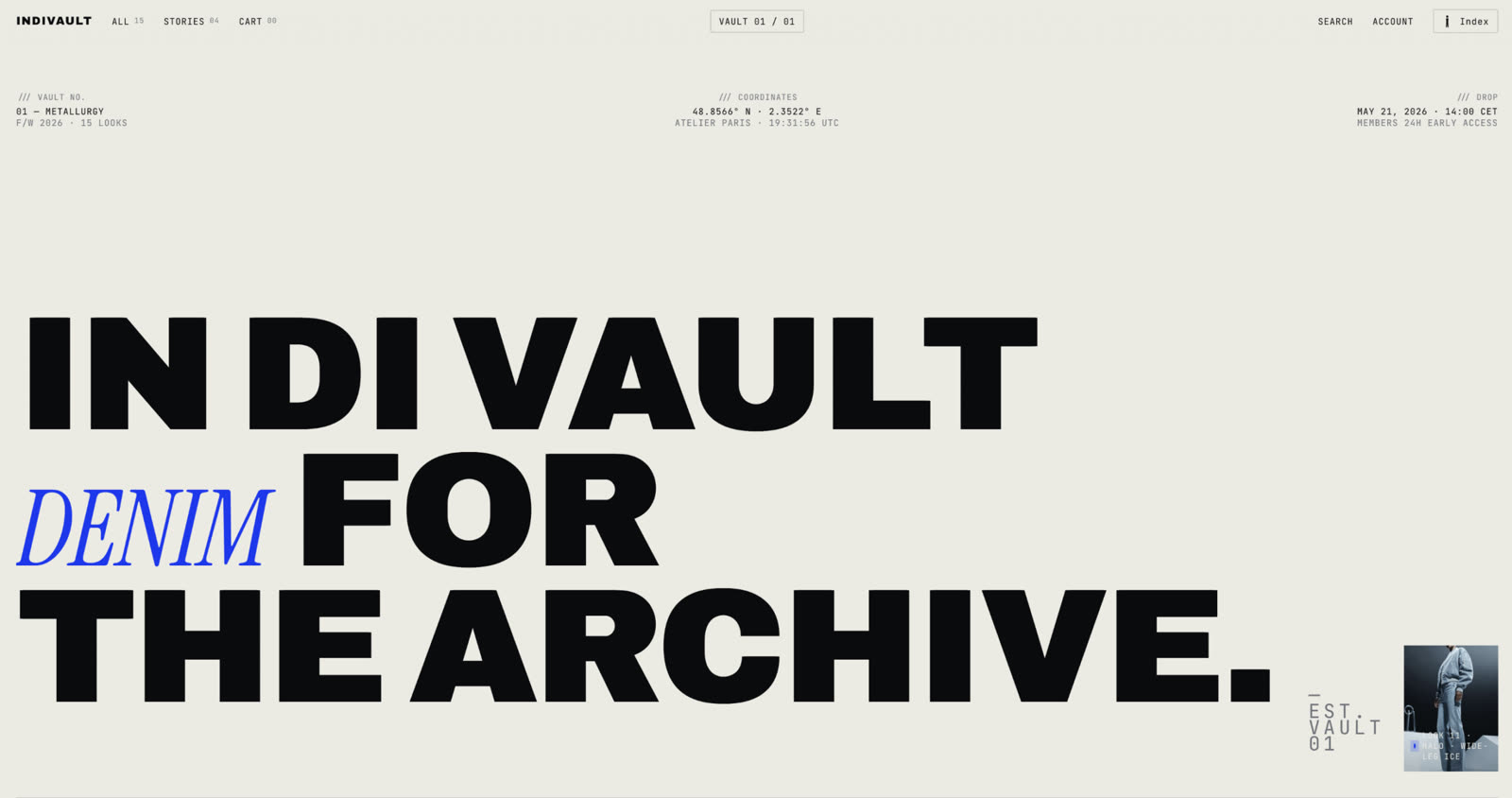
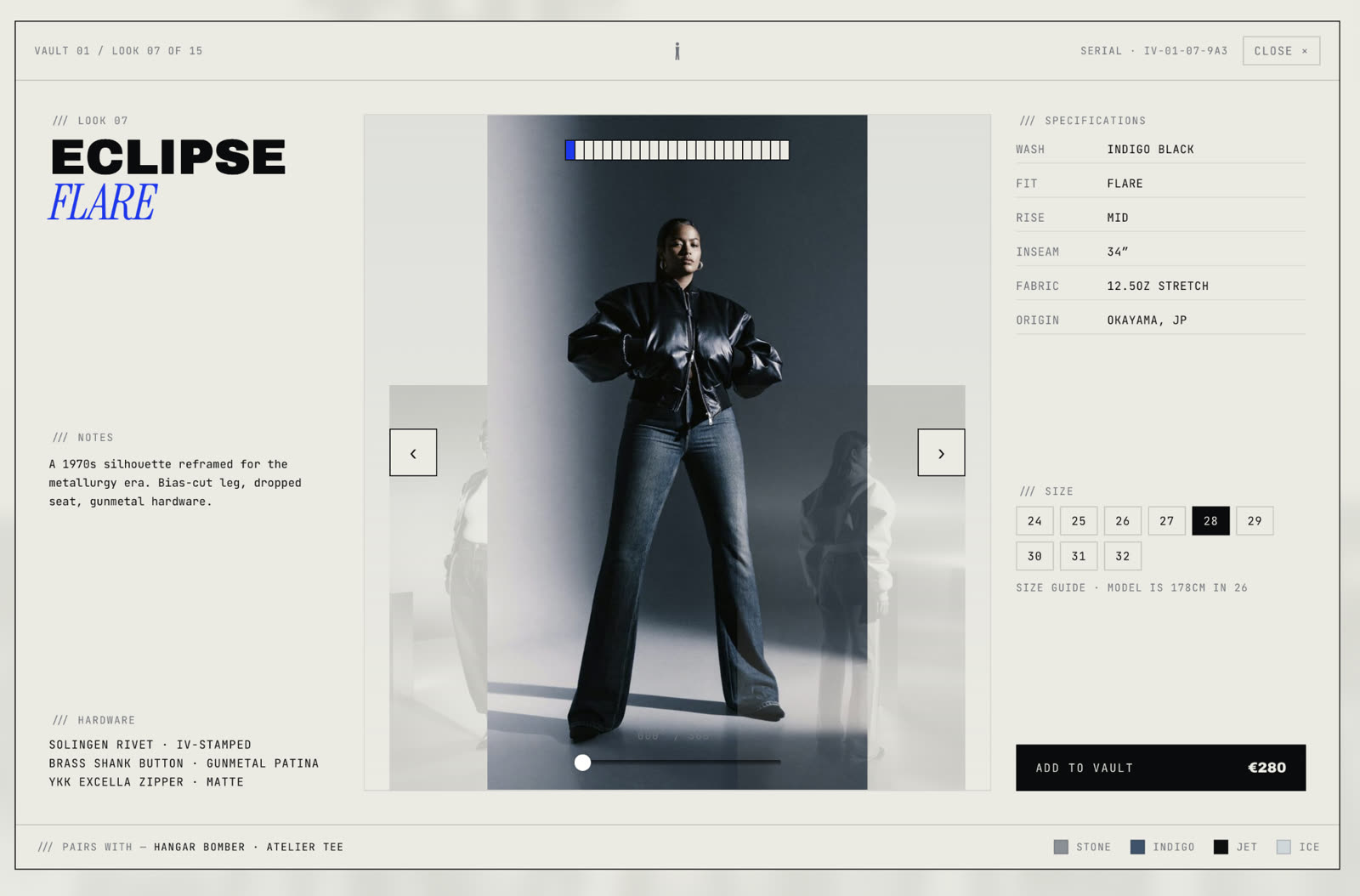
01 / 03
- Instant access
- Free PDF materials
- Watch anytime, forever
Free PDF
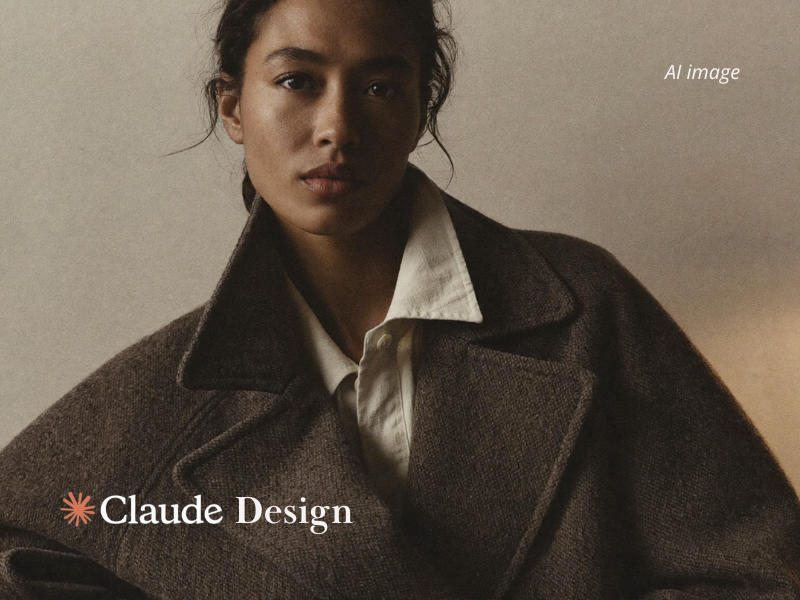
Free PDF: Design by talking with Claude Design
Your first 15 minutes in Claude Design — for designers, marketers and brand owners.
What's inside & what you gain
- The 6-step Claude Design pipeline, from brief to deploy
- The 4 things every Claude Design prompt should cover: goal, layout, content, audience
- A copy-and-paste starter prompt for a landing page, deck or carousel
- When to refine with chat and when to use inline comments
Previously collaborated with / featured in








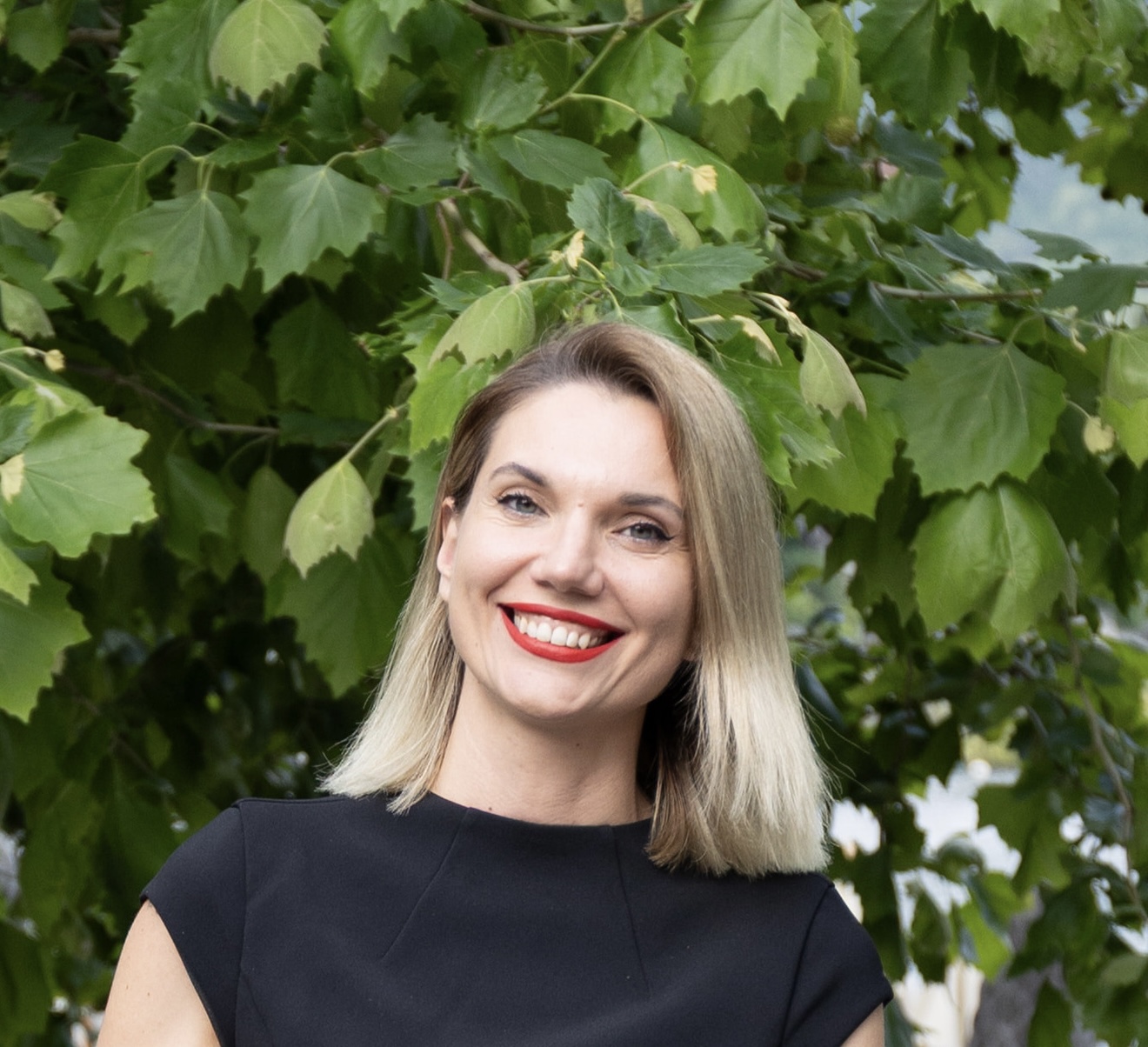
The lecturer
Olska Green

Oxford Artificial Intelligence programme
certificate №0520399
- FashionTech expert, AI creator & educator (Oxford Artificial Intelligence programme certificate)
- Co-founder of Fashion AI School
- Sustainable fashion designer, founder of Ecoolska, upcycling from textile waste
- Pioneer of phygital fashion since 2021, merging 3D digital clothing, AI and upcycling
- Advisor to FashionTech startups, VC firms and fashion brands on innovation, AI adoption and future strategies
- 14+ years of experience in the fashion industry
- Her first successful fashion brand grown from 0 to 84,000 loyal clients with 10 years of consistent profit
- International speaker at NABA, Bocconi University, University of Southampton, De Montfort University, and global fashion conferences
Why should you master Claude Design in 2026?
The shift is already happening. Speed with high-quality is becoming the advantage, and execution is moving from manual to generative.
Traditional way
- Tools → Figma, Canva, GitHub, Vercel, VSCode, Framer, Webflow, Photoshop
- Workflow → design → handoff → code → deploy → revise
- Manual work → drag, align, code, debug, re-edit
- Teams → designers + developers + PMs
- Time → weeks/months of endless iterations & rework
But you'll learn the new way
- Claude Design → generates full design systems instantly
- You (even solo) → direct, refine, and iterate using simple language
- Time → minutes instead of months
- Instant access
- Free PDF materials
- Watch anytime, forever
Student feedback
What our students are saying from the previous course
★★★★★This course was exactly what I needed! The tools we learned about were intuitive and the tutor's examples made it easy to see how I could adapt them to my own style.
★★★★★Incredible course. I love it and enjoyed it so so much! Can't wait for the others to come!!
★★★★★Thanks to technology, AI gives new capacity to make what requires huge resources. I think the world changed and it has impactful power for new era creators to enter it. Olska's course served well its purpose that I could serve others.
★★★★★Thank you for the AI course for fashion production two weeks ago. I found it really interesting and well-structured, especially considering it was only two hours. You managed to cover a lot of tools in a very short time, and it was helpful to see everything demonstrated live.
At first it was a bit challenging not being able to ask questions in the middle, because sometimes doubts come up right away but I understood that it helped keep the session on time. And in the end, I was able to ask my questions, so that worked out well.
Overall, I think it was a great session, very practical and clear. I'm curious if you plan to offer more workshops in this format, because I would definitely be interested.
Thanks again, I really enjoyed it.
★★★★★Thank you so much for this workshop! I spent the whole day today watching the sessions and creating images in parallel, and the results turned out to be really impressive. I managed to achieve great visual quality for a small clothing brand, and I'm honestly very inspired by the process.
A bit later, I'm also planning to join one of your more advanced courses to continue developing my skills. Thank you again for such a valuable and practical experience!
01 / 02
Join them for € 79
- Instant access
- Free PDF materials
- Watch anytime, forever
Questions before you join
Everything people usually ask before buying the workshop.
- Instant access
- Free PDF materials
- Watch anytime, forever
[ about workshop ]
Recorded Workshop
- Duration: 2 hours
- Step-by-step tutorials
- Supporting pdf materials included
€ 79
Get instant access · € 79- Instant access
- Free PDF materials
- Watch anytime, forever
Interested in other recorded workshops?
Learn more here
Free resources on this topic
Start free, then take the full workshop when you want the complete, step-by-step method.
Official sources
The primary documentation for the tools used in this workshop.