
Creative AI
30-Second AI Video Takes: How Kling 4.0 and Multi-Model Pipelines Change Fashion Video
AI video now makes 30-second single takes with many references. What changed, and how to direct a full runway walk or product film in one pass.
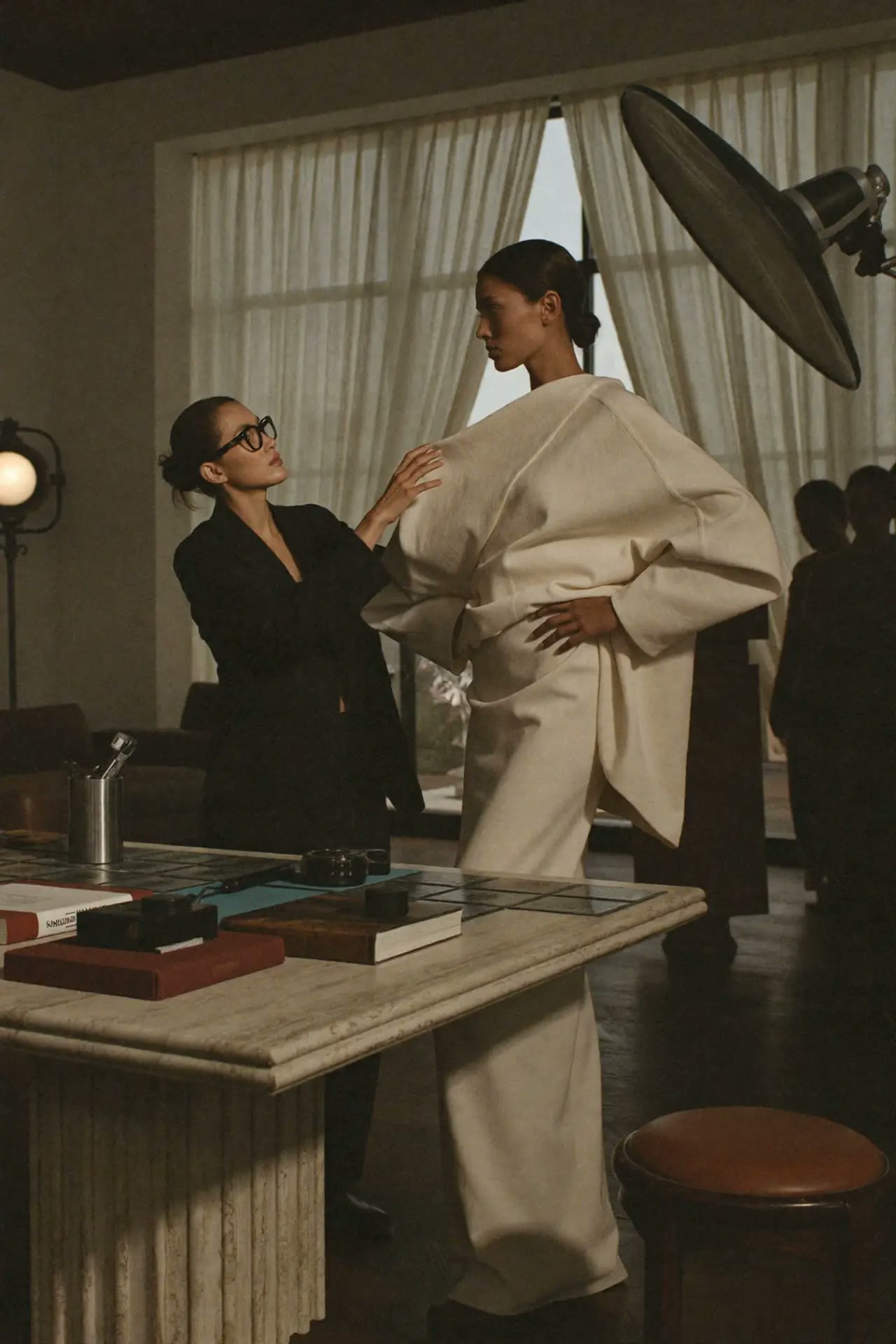 Creative AI
Quick answer: in October 2026, Kling 4.0 fully launched with single AI video takes up to 30 seconds, up to 15 references at once (storyboards, depth maps, performance clips) and 10-bit HDR output. For fashion, that means one continuous runway walk or camera move without stitching short clips together. Most teams now combine several models instead of relying on one.
Sources: The Render, 23 Oct 2026, Forbes, 30 Sep 2026, AI Weekly, 9 Sep 2026.
What changed
- Longer takes: 30 seconds in one generation, instead of a few seconds per clip.
- More references: up to 15 at once, so you can feed a storyboard frame, a product photo and a movement clip together.
- Faster and cheaper: The Render reports FLUX 3 Max renders a 10-second clip roughly in real time.
- Many models in one place: Adobe added Firefly, Google Veo, Runway, Kling and Luma inside Premiere Pro, so editors pick the model per shot.
- Sound is the gap: most clips still come back silent, so plan music and sound separately.
Why 30 seconds matters for fashion
Short clips force you to hide cuts, and the garment often changes between them. A single 30-second take can hold one full catwalk walk, a slow 360° turn of a bag, or a camera move from wide to detail — with the same fabric and face throughout.
How to direct a 30-second take
- Start from a strong still. Make the first frame first; video copies its quality.
- Write one movement only. "Slow dolly in from full length to waist" beats five moves.
- Give references a job. Product photo = accuracy, face photo = identity, movement clip = motion.
- Describe the end frame. Tell the model where the shot finishes.
- Check the garment frame by frame. Logos, buttons and prints drift first.
- Add sound after. Music and footsteps in your editor.
Copy-paste prompt: one-take runway walk
One continuous 30-second shot. A model in [garment] walks the full length of a [venue] runway toward the camera, steady confident pace, fabric moving naturally. Camera: locked-off at the end of the runway, slow push-in in the last 5 seconds to a waist-up frame. Soft even show lighting, no cuts, garment details stay identical throughout.
Where to do this in the Lab
- Runway Show Producer: up to six looks walking the same catwalk — pay per look.
- Cinematic Studio: pick a named camera move like dolly, orbit or crane.
- Motion Studio: ready templates for product spins and campaign films.
- Learn the method in our workshops or save with a bundle.
Questions people ask
How long can AI videos be in 2026? Kling 4.0 makes single takes up to 30 seconds and extensions up to about two minutes, according to Forbes and The Render. What is the best AI video model for fashion? It depends on the shot. Many teams use different models for motion, faces and product detail and edit them together. Why do AI videos change the clothes mid-clip? The model loses track of details over time. Use a sharp product reference and one simple camera move. Do AI videos have sound? Most still come back silent. Add music and effects in your editor or a sound tool. Can I make an AI runway show? Yes. Start from a photo of each look and generate one walk per look, for example in the Runway Show Producer.
Learn 3 essential AI tools for creatives
€199€237
Editorial Team · Fashion AI School
Free resources on this topic
All resources →Higgsfield vs the other AI video tools
How Higgsfield's camera-control and preset-driven approach compares with other AI video generators for creative and marketing use.
Prompts for headlines and hooks
Ten prompts for ad headlines, blog titles, email subject lines and video hooks that earn the click without resorting to clickbait.
AI privacy settings checklist: turn off what you do not want trained on
The exact menus in ChatGPT, Gemini and Claude that control whether your chats train the model or get kept forever.