
Creative AI
AI Runway Video Prompts: Walk, Camera and Venue That Look Real
Describe three things: the walk (pace, attitude), the camera (front tracking at waist height) and the venue (lighting and floor). Keep the garment…
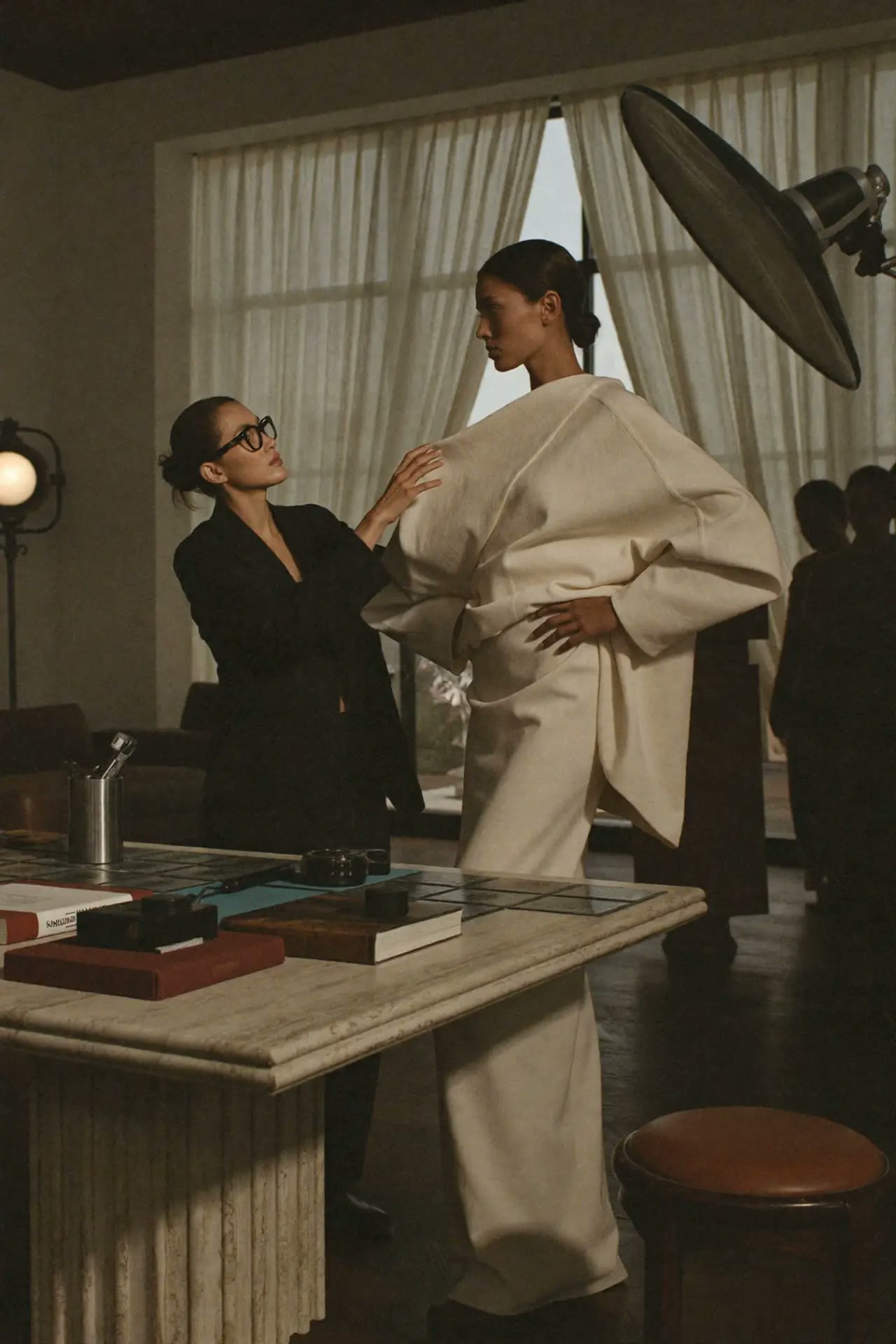 Creative AI
Quick answer: Describe three things: the walk (pace, attitude), the camera (front tracking at waist height) and the venue (lighting and floor). Keep the garment description minimal and let the reference photo carry it.
Step by step
- Use a full-length look photo.
- Choose walk: slow editorial or brisk commercial.
- Set camera: front tracking, waist height.
- Pick venue and light.
- Keep clips 5–10 seconds.
Prompt to copy
The exact model and outfit from the photo walks toward camera on a polished concrete runway, slow confident editorial walk, front tracking shot at waist height, soft overhead spotlights, audience blurred, 8 seconds.
Common mistakes
- Over-describing the garment.
- Fast camera moves that cause leg glitches.
- Clips longer than the engine handles.
Where to do this in the Lab
- AI Runway Show Producer
- Cinematic Studio
- Higgsfield workshop
- Workshop bundles — lifetime access, no subscription.
FAQ
What does a runway video cost?
In the Runway Show Producer, €0.75 per look Standard or €1.35 Best, pay as you go.
How do I fix glitchy legs?
Use full-length photos, slower walks and shorter clips.
Learn 3 essential AI tools for creatives
€199€237
Editorial Team · Fashion AI School
Free resources on this topic
All resources →Higgsfield camera moves that look directed
Higgsfield's camera control presets are what separate a video that looks generated from one that looks shot by an actual camera operator.
Higgsfield vs the other AI video tools
How Higgsfield's camera-control and preset-driven approach compares with other AI video generators for creative and marketing use.
Prompts for headlines and hooks
Ten prompts for ad headlines, blog titles, email subject lines and video hooks that earn the click without resorting to clickbait.