
Creative AI
Flat-Lay & Ghost Mannequin to Runway Video: The 2026 AI Workflow
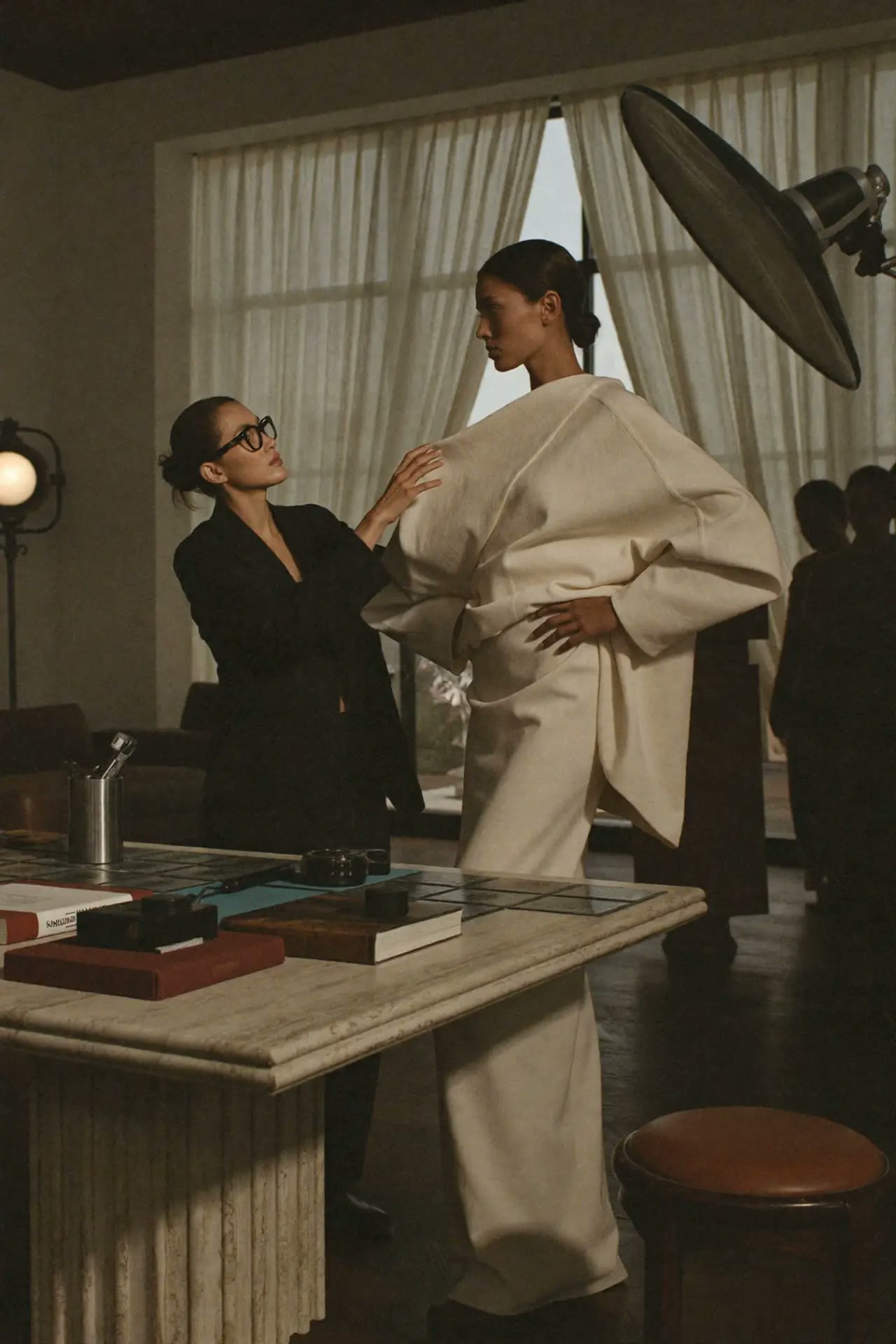
How to turn one flat-lay or ghost-mannequin garment photo into an on-model image and a short runway or campaign video, without losing seams, prints or fabric behaviour.
 Creative AI
Short answer: Start from a clean, well-lit flat-lay or ghost-mannequin photo. First turn it into one approved on-model still, then animate that still into a short video. Going image → approved still → video keeps the garment and the face far more consistent than asking a video model to do everything at once.
The three-step pipeline
| Step | Input | Output | What to check |
|---|---|---|---|
| 1. Clean the source | Flat-lay or ghost mannequin photo | Even light, true colour, no wrinkles | Colour matches the real sample |
| 2. Put it on a model | Source photo + model brief | One approved on-model still | Seams, print scale, logo, fit |
| 3. Animate | Approved still | 5–10 second walk, turn or campaign clip | Fabric movement, face drift, hands |
Step 1 — Prepare the garment photo
- Shoot flat on a neutral background with soft, even light.
- Photograph print and logo details separately as close-ups for reference.
- Keep the colour true: AI will copy a colour cast, not fix it.
Step 2 — Create the on-model still
Prompt formula:
[Garment description, fabric and colour] worn by [model brief], [pose], [setting], [lighting], keep the exact print, seam placement and logo from the reference, editorial e-commerce photography.
Generate several, choose one, and treat it as your approved frame. Every later step inherits from it.
Step 3 — Animate the approved still
Pick one simple movement: walk toward camera, slow turn, or a slow push-in. Describe how the fabric behaves — a linen shirt moves differently from a wool coat.
The model walks slowly toward the camera, the [fabric] moves naturally with each step, camera slowly pushes in, studio light stays constant.
Common problems and fixes
- The print changes → shorten the clip and reduce camera motion.
- The face drifts → always start the video from the approved still, never from text alone.
- Fabric looks stiff or plastic → name the fabric weight and drape in the prompt.
Where to do this
- Garment to Campaign in Motion Studio — upload one garment photo and pick a scene.
- AI Ambassador Studio — keep the same model face across products.
- Pay-as-you-go studios — no subscription, top up from €5.
Learn the consistency method step by step in the AI Consistency: Character & Product workshop.
FAQ
Can AI turn a flat lay into a fashion video? Yes. The most reliable way is flat lay → approved on-model still → short video from that still.
Does a ghost mannequin photo work better than a flat lay? Often yes, because it already shows the garment's 3D shape, which helps fit and drape.
Will the result be accurate enough for e-commerce? It can be, but a person should always compare it with the real sample before publishing.
Learn 3 essential AI tools for creatives
€199€237
Editorial Team · Fashion AI School
Free resources on this topic
All resources →Claude vs ChatGPT in 2026: which one for which job
Neither tool wins everything, here is what each one is genuinely better at for creative and business work right now.
Higgsfield vs the other AI video tools
How Higgsfield's camera-control and preset-driven approach compares with other AI video generators for creative and marketing use.
Prompts for headlines and hooks
Ten prompts for ad headlines, blog titles, email subject lines and video hooks that earn the click without resorting to clickbait.