
AI Tools
Image to Video AI for Fashion: Turn One Photo into a Campaign Clip
How to turn a single fashion or product photo into a short campaign video with AI, which camera moves to use, and how to keep the garment accurate.
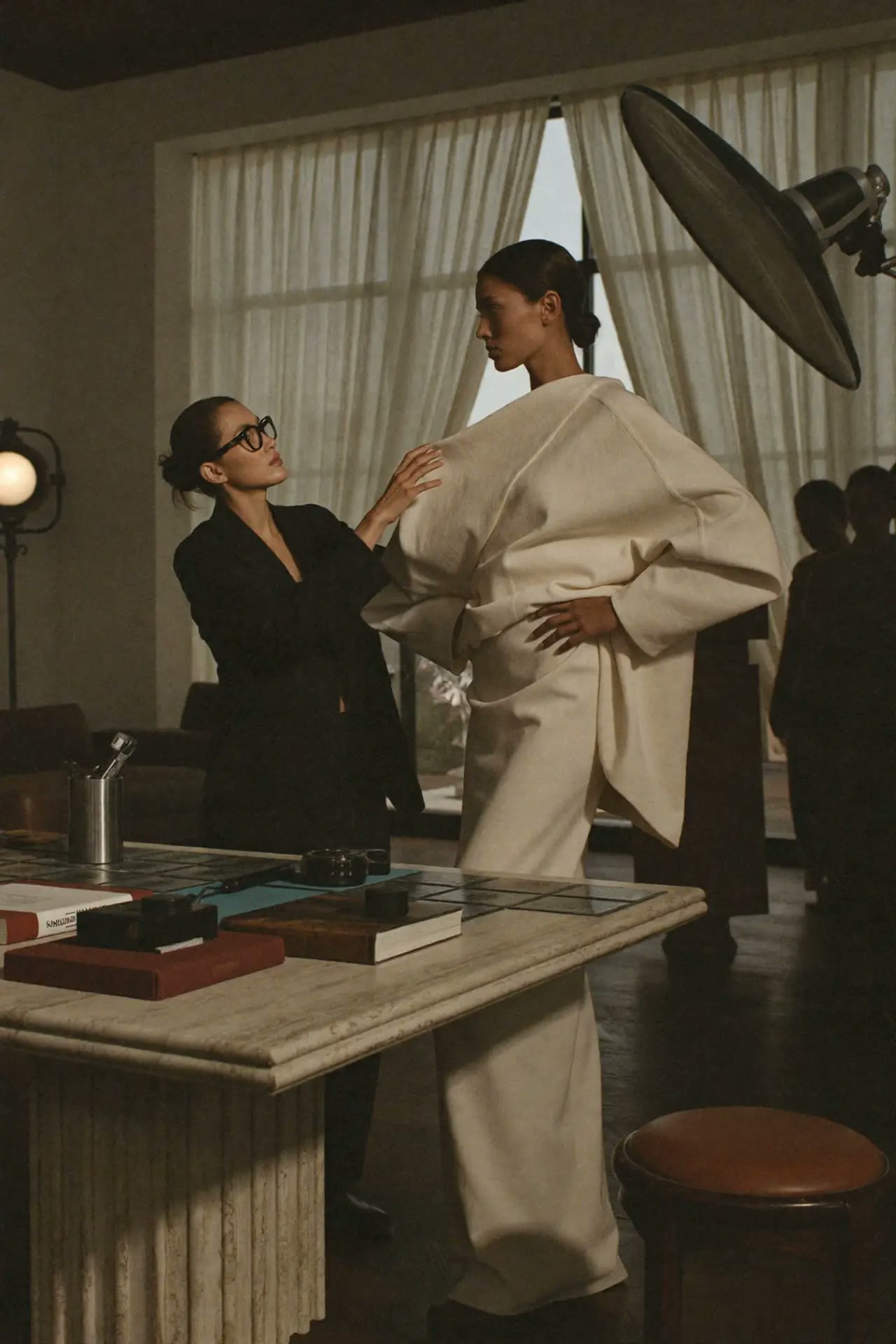 AI Tools
Short answer: Image to video AI takes one still photo and animates it into a 5–10 second clip. For fashion, the best results come from a clean, well-lit source photo, one simple camera move, and a prompt that describes motion rather than the garment. You can try it without a subscription in Motion Studio.
How image to video works
- You upload one image (model shot, flat lay or packshot).
- The model predicts how the scene would move over a few seconds.
- A camera move and motion prompt guide that prediction.
The image fixes what is in the shot. The prompt mostly controls how it moves.
Step by step for a fashion clip
| Step | What to do | Why |
|---|---|---|
| 1. Source photo | Sharp, front-lit, garment fully visible | Blurry details get worse in motion |
| 2. One camera move | e.g. slow push in or orbit | Several moves at once cause warping |
| 3. Motion prompt | "model walks forward, fabric sways naturally" | Describes movement, not the outfit |
| 4. Short duration | Start with 5 seconds | Accuracy drops as clips get longer |
| 5. Review details | Check logos, buttons, prints | AI can drift on small details |
Prompt formula
[subject] + [one action] + [fabric behaviour] + [camera move] + [lighting stays consistent]
Example: Model walks slowly toward camera, silk dress flows with each step, slow dolly in, soft studio light stays consistent.
Common problems
- Garment changes shape: use a simpler move and shorter clip.
- Face shifts: start from a front-facing image; see our consistency workshop.
- Plastic look: add natural light direction and real fabric words (linen, wool, satin).
Where to go next
- Browse 86 camera moves and generate them in Cinematic Studio.
- Use ready templates in Motion Studio. You pay per clip, starting from €5, with no subscription (see all studios).
- Learn the full workflow in the Higgsfield workshop or AI Video for Real Products.
Questions
Can I turn any photo into a video with AI? Yes, but sharp, well-lit photos with the subject fully visible work best.
How long can the video be? Most tools make 5–10 second clips. Longer videos are usually several clips edited together.
Will the garment stay accurate? Mostly, if you use one camera move and a short clip. Always check small details before publishing.
Learn 3 essential AI tools for creatives
€199€237
Editorial Team · Fashion AI School
Free resources on this topic
All resources →Turning a still image into motion
How image-to-video tools actually work, and the camera-move language that keeps clips looking premium.
Product photos without a studio
Getting clean, sellable product shots from AI editing tools using one real photo as the base.
A short video ad in a day
A realistic one-day pipeline from a single photoshoot to a finished vertical video ad.