Authority guide
Midjourney fashion prompts
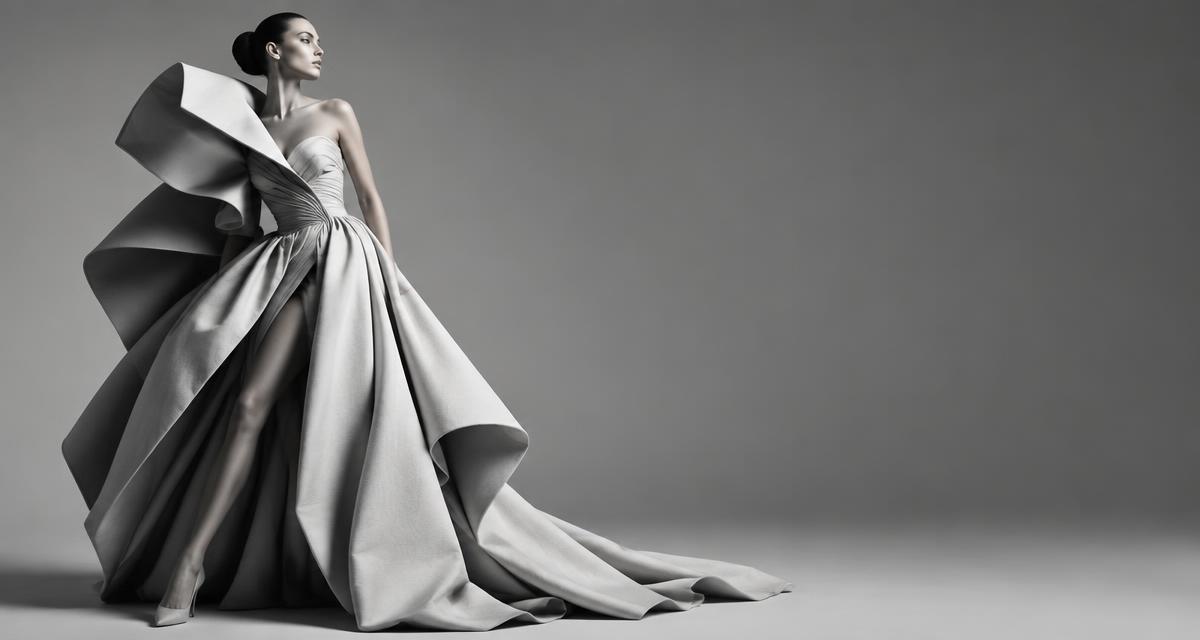
A useful fashion prompt defines the subject, garment, material, setting, composition and visual direction. Start specific, generate variations, then tighten only the details that matter.
Build the prompt like a creative brief
Subject
Define the model, garment or product.
Material
Name textile, texture, weight and finish.
Scene
Set location, light, atmosphere and time.
Frame
Choose viewpoint, crop and image ratio.
Direction
Reference an era, movement or photographic language.
Control
Use parameters only when they solve a clear visual problem.
Prompts to adapt for image generation
These prompts come from the original library. Adapt their bracketed fields to your brief and add Midjourney parameters only when needed.
Capsule collection from one visual reference
Act as a fashion creative director. Develop a practical framework for capsule collection from one visual reference for [BRAND/COLLECTION] aimed at [CUSTOMER]. Specify silhouettes, materials, color, styling, commercial constraints and visual direction. Give concrete outputs the designer can use immediately, and avoid generic fashion clichés. Use placeholders such as [BRAND], [PRODUCT], [AUDIENCE], [MARKET] or [DATA] where the user should customize the workflow.
Open prompt →Abstract concept into a collection
Act as a fashion creative director. Develop a practical framework for abstract concept into a collection for [BRAND/COLLECTION] aimed at [CUSTOMER]. Specify silhouettes, materials, color, styling, commercial constraints and visual direction. Give concrete outputs the designer can use immediately, and avoid generic fashion clichés. Use placeholders such as [BRAND], [PRODUCT], [AUDIENCE], [MARKET] or [DATA] where the user should customize the workflow.
Open prompt →Three creative directions for one brief
Act as a fashion creative director. Develop a practical framework for three creative directions for one brief for [BRAND/COLLECTION] aimed at [CUSTOMER]. Specify silhouettes, materials, color, styling, commercial constraints and visual direction. Give concrete outputs the designer can use immediately, and avoid generic fashion clichés. Use placeholders such as [BRAND], [PRODUCT], [AUDIENCE], [MARKET] or [DATA] where the user should customize the workflow.
Open prompt →Signature silhouette system
Act as a fashion creative director. Develop a practical framework for signature silhouette system for [BRAND/COLLECTION] aimed at [CUSTOMER]. Specify silhouettes, materials, color, styling, commercial constraints and visual direction. Give concrete outputs the designer can use immediately, and avoid generic fashion clichés. Use placeholders such as [BRAND], [PRODUCT], [AUDIENCE], [MARKET] or [DATA] where the user should customize the workflow.
Open prompt →Collection built around one material
Act as a fashion creative director. Develop a practical framework for collection built around one material for [BRAND/COLLECTION] aimed at [CUSTOMER]. Specify silhouettes, materials, color, styling, commercial constraints and visual direction. Give concrete outputs the designer can use immediately, and avoid generic fashion clichés. Use placeholders such as [BRAND], [PRODUCT], [AUDIENCE], [MARKET] or [DATA] where the user should customize the workflow.
Open prompt →Collection color architecture
Act as a fashion creative director. Develop a practical framework for collection color architecture for [BRAND/COLLECTION] aimed at [CUSTOMER]. Specify silhouettes, materials, color, styling, commercial constraints and visual direction. Give concrete outputs the designer can use immediately, and avoid generic fashion clichés. Use placeholders such as [BRAND], [PRODUCT], [AUDIENCE], [MARKET] or [DATA] where the user should customize the workflow.
Open prompt →Fashion AI School
Move from prompt recipes to repeatable creative direction.
Learn image prompting inside real fashion briefs, with structured practice and feedback.