
Creative AI
15 AI Camera Movements for Fashion Videos: One Model, 15 Different Feelings
A cheat sheet of 15 AI camera moves, from orbit and dolly zoom to POV and selfie, with a copy-paste prompt for each and when to use it in fashion and beauty videos.
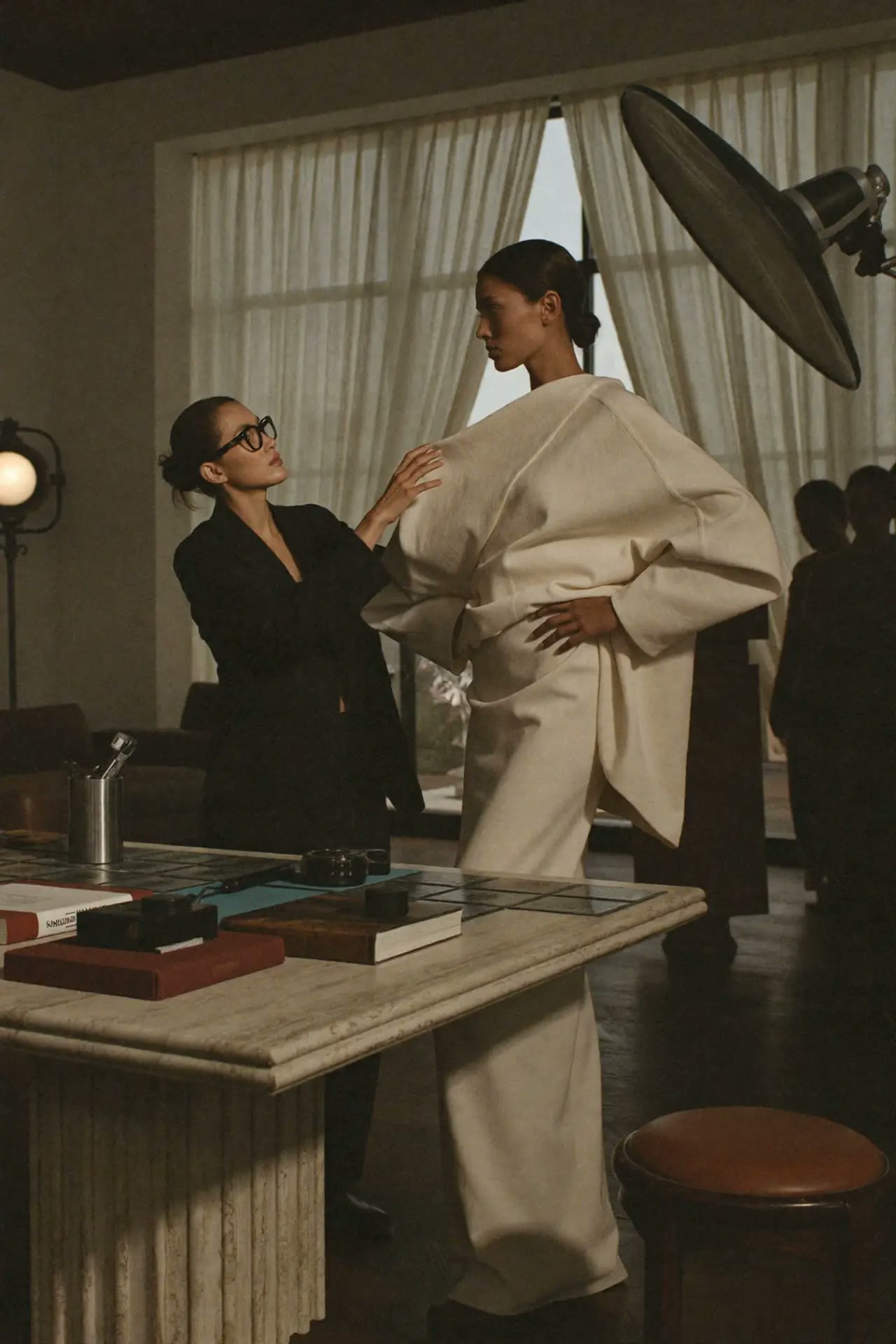 Creative AI
Quick answer: the same model in the same outfit can feel luxurious, tense, playful or intimate depending only on how the camera moves. In AI video tools (Higgsfield, Kling, Veo, Runway) you control this by naming the move in your prompt: "slow dolly in", "360 orbit", "dolly zoom". Below are 15 moves that work best for fashion and beauty, each with a copy-paste prompt and when to use it.
Get all 90+ moves in one free PDF: Cinematic Camera Movement Prompts.
The prompt formula
[subject and outfit], [location], [camera move], [speed], [lighting], subject stays sharp and consistent
Start from one strong still image. Animating a photo keeps the face and garment much more stable than generating video from text alone.
15 camera moves for fashion videos
1. Slow Dolly In
Feels: intimate, luxurious. Use for: a hero look, a fragrance close-up.
slow dolly in towards the model, smooth, steady, shallow depth of field
2. Dolly Out (reveal)
Feels: reveal, context. Use for: starting on a detail and showing the full outfit.
slow dolly out from the embroidered collar to a full-length shot of the look
3. 360-Degree Orbit
Feels: hero moment, 3D product view. Use for: showing a garment from every side.
camera orbits 360 degrees around the model, steady speed, model stays still
4. Arc Right
Feels: elegant, editorial. Use for: a half-turn around a pose.
camera arcs slowly to the right around the model, keeping her centred
5. Dolly Zoom (Vertigo)
Feels: dramatic, surreal. Use for: a high-concept campaign reveal.
dolly zoom vertigo effect, model stays the same size while the background stretches
6. Crash Zoom In
Feels: punchy, social. Use for: a logo, sneaker or lipstick on the beat drop.
sudden fast crash zoom in to an extreme close-up of the bag logo, face stays sharp
7. Crane Up
Feels: grand, finale. Use for: ending a campaign film on the whole set.
camera cranes up and away from the model, revealing the full location
8. Tilt Up
Feels: power, confidence. Use for: shoes to face, showing the full look.
camera tilts up slowly from the shoes to the model's face
9. Tracking Shot
Feels: movement, energy. Use for: a model walking down a street or runway.
camera tracks alongside the model as she walks, matching her pace
10. Aerial / Drone
Feels: epic, cinematic. Use for: location campaigns, resort and swimwear.
aerial drone shot slowly pushing towards the model on the cliff edge, golden hour
11. FPV Drone
Feels: fast, thrilling. Use for: sportswear, launches, high-energy reels.
fast FPV drone flies through the space and swoops around the model
12. Handheld (selfie / UGC feel)
Feels: real, personal. Use for: UGC-style ads and creator content.
handheld selfie-style camera, natural shake, model talks to camera
13. Through Object (POV)
Feels: curious, immersive. Use for: passing through a clothes rail or doorway into the scene.
camera moves through the clothing rail and reveals the model behind it
14. Whip Pan
Feels: fast transition. Use for: switching between two looks.
fast whip pan to the right with motion blur, transition to the next look
15. Static Locked-Off
Feels: calm, fashion-film. Use for: letting the model and fabric do the moving.
static locked-off camera on a tripod, only the model and fabric move
How to make "one model, 15 moves" yourself
- Make one strong photo of your model in the outfit. Keep the face consistent with the AI Consistency tool.
- Open Cinematic Studio, upload the photo and pick a move. Pay as you go, no subscription.
- Repeat with different moves and the same photo.
- Cut 1–2 seconds of each into a reel, with the move name on screen.
Common mistakes
- Too many moves in one prompt. Use one move per clip.
- Describing the scene but not the camera. The camera move must be named.
- The face changes during orbits. Start from a clear front-facing photo and keep the move slow.
- Text-only video. Start from an image for stable garments.
Go further
- Learn to direct AI like a creative director: Claude & ChatGPT workshop.
- Get several workshops at a better price with a workshop bundle.
- Browse all 90+ camera moves with video previews.
FAQ
What are the best AI camera movements for fashion videos?
Slow dolly in, 360 orbit, tilt up, tracking shot and crane up are the most useful. They show the garment clearly and feel premium.
How do I tell an AI video tool which camera move to use?
Name the move in the prompt, for example "slow dolly in" or "camera orbits 360 degrees", and add the speed. One move per clip works best.
Can I keep the same model across different camera moves?
Yes. Start each clip from the same photo of the model. Animating one image keeps the face and outfit much more consistent than generating from text.
Which AI tools support camera movement prompts?
Higgsfield, Kling, Veo, Runway and Sora all respond to camera moves described in plain English. Cinematic Studio uses Higgsfield's motion presets.
Is there a free camera movement cheat sheet?
Yes. The free Cinematic Camera Movement Prompts PDF has every move with a copy-ready prompt.
Learn 3 essential AI tools for creatives
€199€237
Editorial Team · Fashion AI School
Free resources on this topic
All resources →Higgsfield camera moves that look directed
Higgsfield's camera control presets are what separate a video that looks generated from one that looks shot by an actual camera operator.
Higgsfield vs the other AI video tools
How Higgsfield's camera-control and preset-driven approach compares with other AI video generators for creative and marketing use.
Prompts for headlines and hooks
Ten prompts for ad headlines, blog titles, email subject lines and video hooks that earn the click without resorting to clickbait.