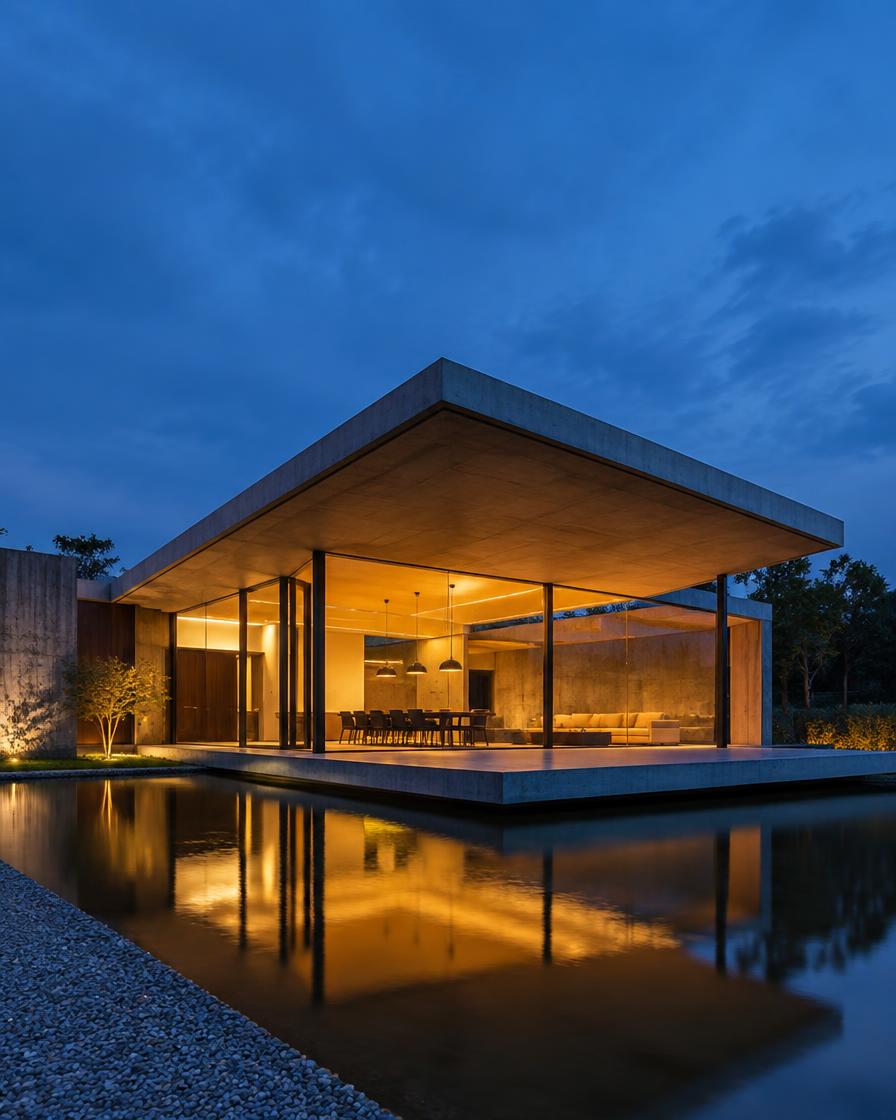
For architects & 3d visualisers
AI Architecture Render to Video Generator
Architecture fly-through turns a render, model export or building photo into a slow cinematic crane reveal, built for architects & 3d visualisers.
- You upload
- A render, model export or building photo
- You get
- A slow cinematic crane reveal
How it works
- 1.Upload your photo
- 2.Choose a look
- 3.Check the price and generate
- 4.Download and review accuracy
Good for
- Client pitches
- Competition entries
- Studio social media
- Developer marketing
Honest limits
- Fine details such as mullions can shift slightly
- Not a replacement for accurate visualisation
- Check every frame before publishing
Prompt formula
Use this a render, model export or building photo as the exact reference. Create a slow cinematic crane reveal for client pitches. Keep the product identical: shape, colour, logos and details. Setting: [your scene]. Lighting: [soft daylight / studio softbox]. Camera: [slow push-in / gentle orbit]. Mood: [your brand mood]. Photorealistic, no extra text.
Works in any image or video AI tool. In Motion Studio this is done for you.
Pricing: pay as you go from your credit wallet. The price of each clip is shown before you generate. No subscription.
Try it in Motion StudioYour next step
Go from free tool to real results
AI Video for Real Products workshopThe recorded workshop shows the full professional workflow behind architecture fly-through.Open Workshop bundlesTwo to eight workshops together, lifetime access, one price.Open Private session or consultingA live session or custom workflow built around your brand and products.Open
More for architects & 3d visualisers
Questions
- How long does it take?
- Usually one to three minutes per video.
- What photo works best?
- A sharp, well-lit photo with the subject fully in frame.