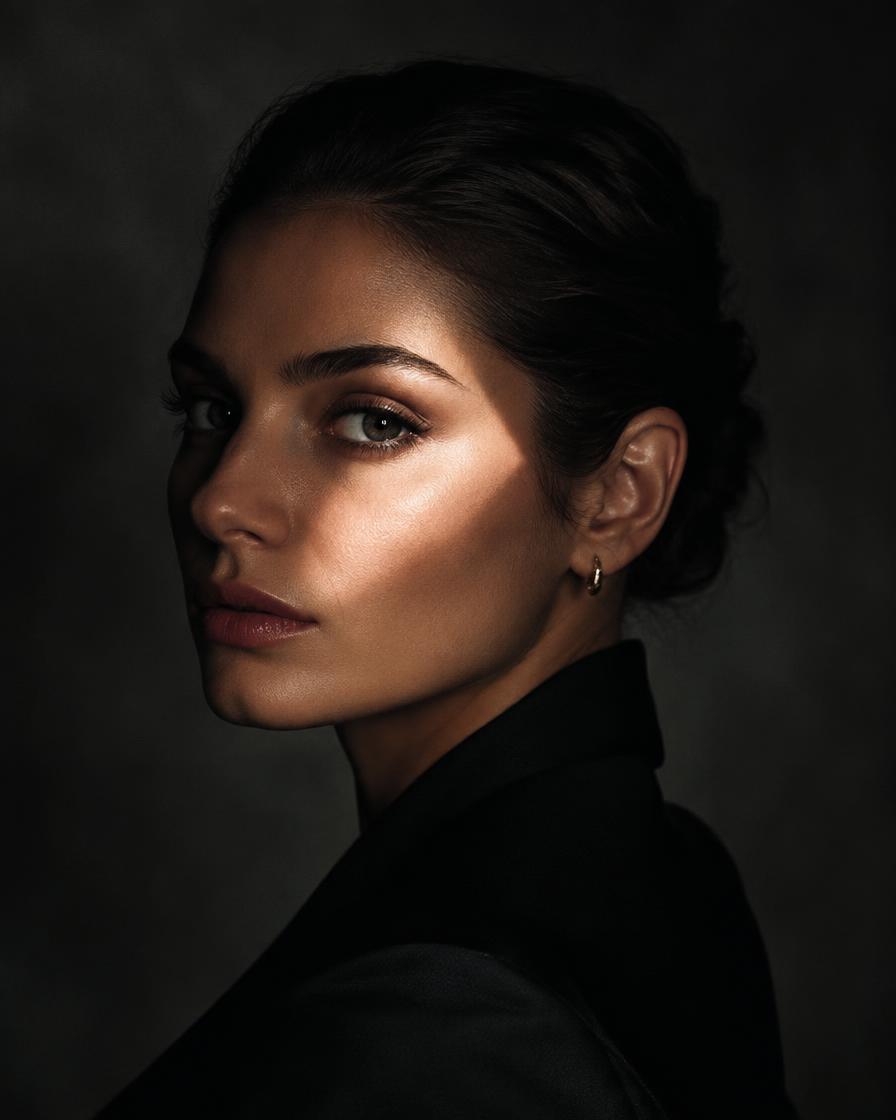
Free download
Studio Lighting & Lens Prompts
58 lighting setups and lens choices that make AI product and fashion photos look real. Free PDF.
Inside the PDF
- 58 lighting setups and lens choices, explained simply
- A copy-ready prompt cue for each
- Where each one works for e-commerce, beauty and fashion
- The common AI mistake for each, and the fix
- One prompt formula for realistic product photos
All photography techniquesLighting, framing, lenses and film stocks.Open Still StudioGenerate any technique on your own photo.Open Free camera movement PDFThe companion guide for AI video.Open Free business visual promptsAnother free PDF for brands.Open
Your next step
Go from free tool to real results
Browse recorded workshopsThe recorded workshop shows the full professional workflow behind Studio Lighting & Lens Prompts (PDF).Open Workshop bundlesTwo to eight workshops together, lifetime access, one price.Open Private session or consultingA live session or custom workflow built around your brand and products.Open
- Why do AI product photos look fake?
- Usually the light makes no physical sense and no lens is defined. Naming a real lighting setup (like softbox key with rim light) and a focal length (like 100mm macro) makes AI images look photographed.
- Which tools does this work with?
- Midjourney, ChatGPT images, Gemini / Nano Banana, Flux and any other image generator that accepts text prompts.
- Is the PDF free?
- Yes. Enter your email and the download appears instantly.
Questions
- Is the guide really free?
- Yes. Enter your email to unlock the PDF. You can unsubscribe from our emails at any time.
- Which AI tools do the prompts work with?
- Most image and video tools that accept text prompts, including ChatGPT, Gemini, Midjourney and Higgsfield. Small wording changes may help per tool.
- Can I use the results commercially?
- Check the terms of the AI tool you use. Our prompts are yours to use in your own creative and client work.