For furniture & interior brands
AI Furniture Staging: Place Products in Real Rooms
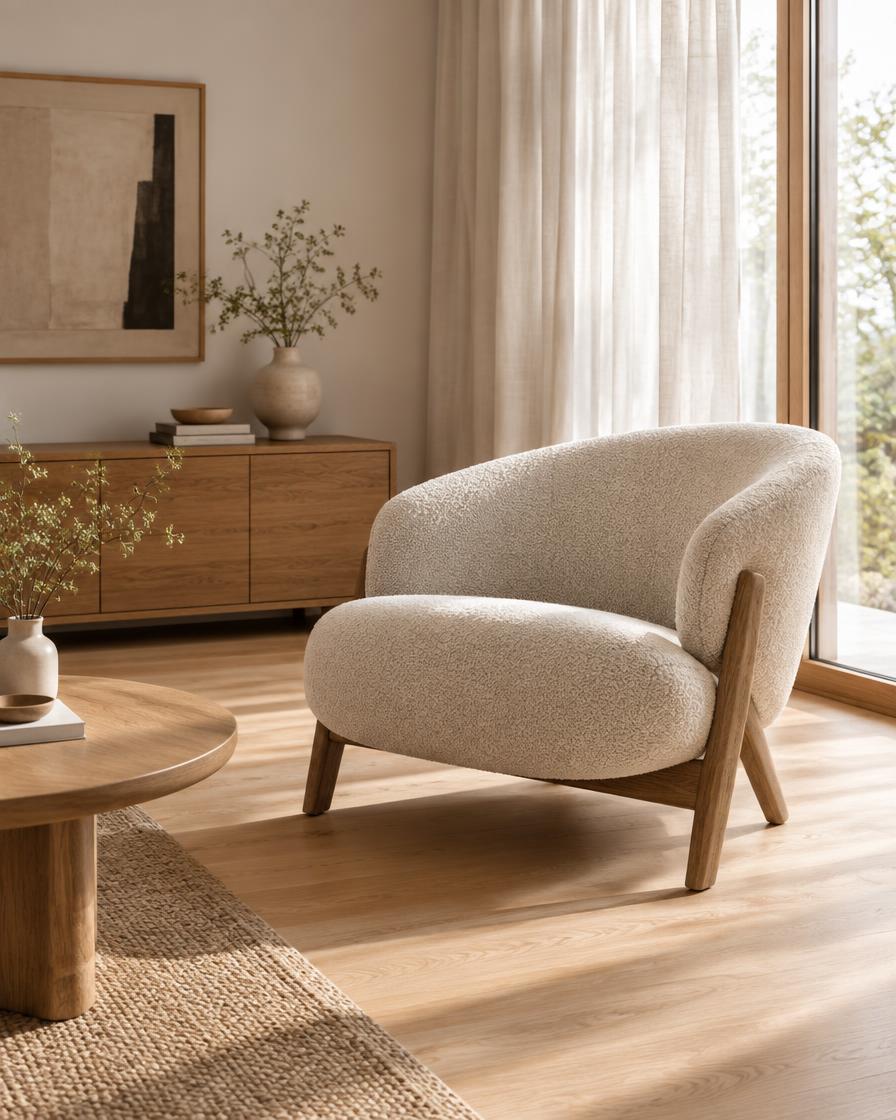
Furniture room staging turns a photo of the piece, ideally on a plain background into a styled room image and a slow arc video, built for furniture & interior brands.
- You upload
- A photo of the piece, ideally on a plain background
- You get
- A styled room image and a slow arc video
How it works
- 1.Upload your photo
- 2.Choose a look
- 3.Check the price and generate
- 4.Download and review accuracy
Good for
- Product pages
- Seasonal catalogs
- Retail partners
- Social ads
Honest limits
- Check scale against real dimensions
- Fabrics and wood grain can shift
- Not a substitute for real fabric swatches
Prompt formula
Use this a photo of the piece, ideally on a plain background as the exact reference. Create a styled room image and a slow arc video for product pages. Keep the product identical: shape, colour, logos and details. Setting: [your scene]. Lighting: [soft daylight / studio softbox]. Camera: [slow push-in / gentle orbit]. Mood: [your brand mood]. Photorealistic, no extra text.
Works in any image or video AI tool. In Motion Studio this is done for you.
Pricing: pay as you go from your credit wallet. The price of each clip is shown before you generate. No subscription.
Try it in Motion StudioYour next step
Go from free tool to real results
More for furniture & interior brands
Questions
- How long does it take?
- Usually one to three minutes per video.
- What photo works best?
- A sharp, well-lit photo with the subject fully in frame.