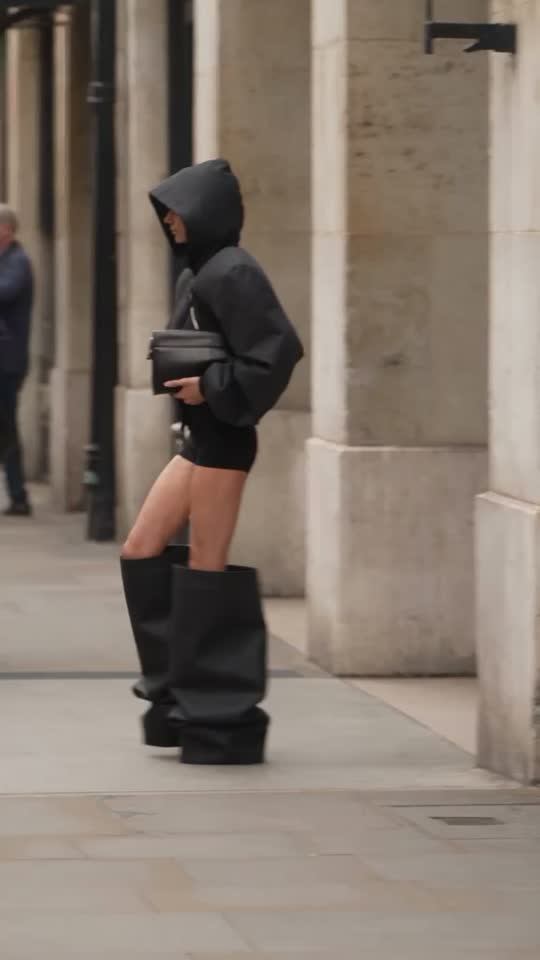
For fashion brands
AI Clothing Model Generator: Garment Photo to Campaign Video
Upload one photo of a garment, flat or on a mannequin. The tool creates a model wearing it in the scene you choose and turns that image into a short walking campaign clip.
- You upload
- One clear garment photo, flat lay or mannequin
- You get
- A campaign still and a short walking video
How it works
- 1.Upload the garment photo
- 2.Choose a scene: Mediterranean street, seaside, Paris apartment, studio or city
- 3.Check the price and generate
- 4.Download the clip and review garment accuracy
Good for
- Drop announcements
- Lookbook teasers
- Paid social tests
- Pre-shoot mood checks
Honest limits
- Small details such as buttons or logos can shift
- The model is generated, not a real person
- Fit is suggested, not measured
Prompt formula
Use this one clear garment photo, flat lay or mannequin as the exact reference. Create a campaign still and a short walking video for drop announcements. Keep the product identical: shape, colour, logos and details. Setting: [your scene]. Lighting: [soft daylight / studio softbox]. Camera: [slow push-in / gentle orbit]. Mood: [your brand mood]. Photorealistic, no extra text.
Works in any image or video AI tool. In Motion Studio this is done for you.
Pricing: pay as you go from your credit wallet. The price of each clip is shown before you generate. No subscription.
Try it in Motion StudioSee it in a concept study
Your next step
Go from free tool to real results
More for fashion brands
Questions
- Do I need a model photo?
- No. The garment photo is enough; the model and scene are created for you.
- Can I use it for ads?
- Yes, after checking the garment is accurate and disclosing AI use where appropriate.