For beauty & cosmetics brands
AI Cosmetic Texture Macro Video
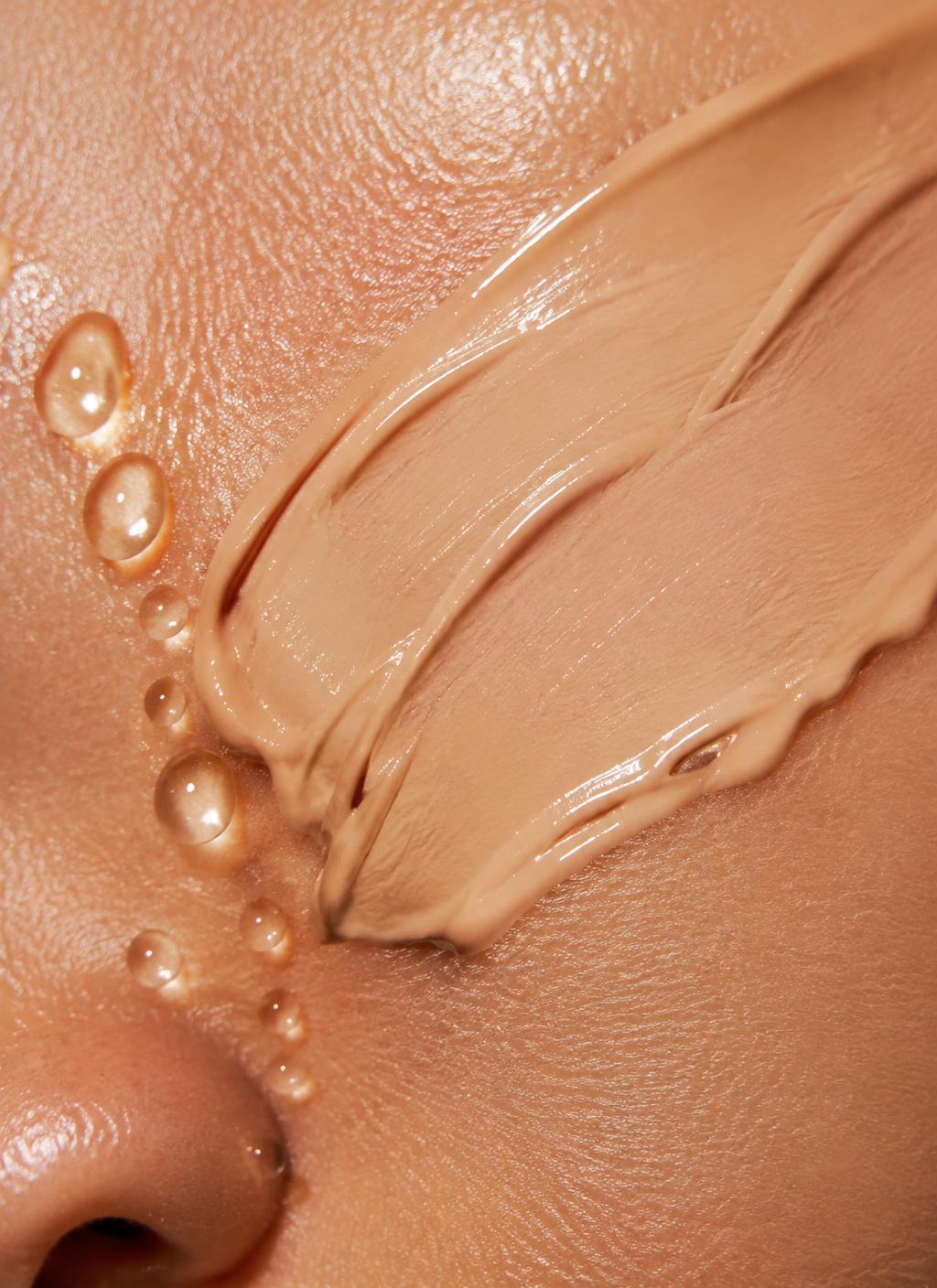
Texture macro creates close-up visuals of a formula: a smear on skin, a press on frosted glass, droplets or a whipped swirl, with subtle motion for social and product pages.
- You upload
- A product or texture photo
- You get
- A macro texture still and loop
How it works
- 1.Upload the reference
- 2.Pick smear, glass, droplets or swirl
- 3.Generate
- 4.Choose the truest texture
Good for
- Formula storytelling
- Ingredient launches
- Story ads
- Product page detail
Honest limits
- Represents mood, not the exact formula
- Do not use as proof of performance
Prompt formula
Use this a product or texture photo as the exact reference. Create a macro texture still and loop for formula storytelling. Keep the product identical: shape, colour, logos and details. Setting: [your scene]. Lighting: [soft daylight / studio softbox]. Camera: [slow push-in / gentle orbit]. Mood: [your brand mood]. Photorealistic, no extra text.
Works in any image or video AI tool. In Motion Studio this is done for you.
Pricing: pay as you go from your credit wallet. The price of each clip is shown before you generate. No subscription.
Try it in Motion StudioSee it in a concept study
Your next step
Go from free tool to real results
Questions
- Is this my real texture?
- It is an interpretation. Match colour and finish to the real product before publishing.